
Over the past few months, we've been rather busy.
You’ve now got more ways to tailor your proposals, more control over your data, and new ways to use Qwilr alongside the tools you already rely on.
Here's a roundup of everything we've released recently, plus a look at what's coming next.
We’ve tuned up our AI-powered Smart Proposal Engine
We've made two big upgrades to our Smart Proposal Engine.
Gong transcripts pull in natively. No more copying and pasting Gong call transcripts into Qwilr. Gong users can now feed transcripts straight into the Smart Proposal Engine, so every proposal reflects what your buyer actually said without spending time switching tabs.
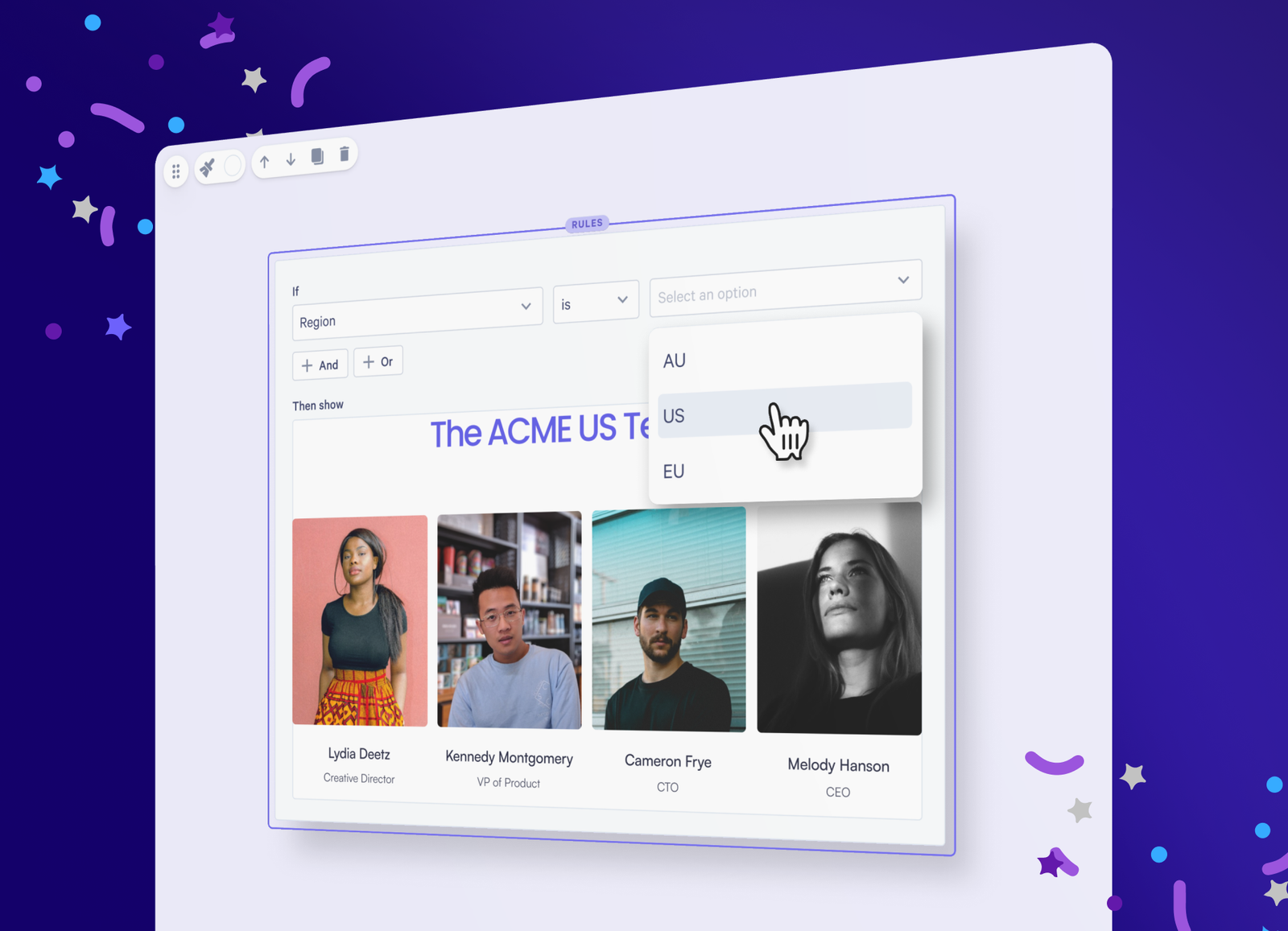
Conditional content, down to the smallest detail. Conditional logic used to work only at the block level. Now you can apply "if this, then that" rules to individual text, images, videos, columns and even contract clauses.
You can also combine conditions with and/or logic. For example, you could show a next-steps table only if a deal is enterprise-sized and in a specific region. One template adapts to every deal, so there are fewer templates to manage and fewer mistakes going out the door.
The Smart Proposal Engine is available exclusively on our Scale plan. Building pages with it draws from your credit balance.
Work in your favorite AI tool with the Qwilr MCP
More and more of a seller's day now happens inside AI tools like Claude and ChatGPT, so we've built the Qwilr MCP to bring Qwilr there too.
The Qwilr MCP is a direct line that lets your AI tool read and act on your Qwilr data, so you don't have to copy anything across by hand.
From a single prompt, you can:
- Create proposals from your existing templates, with details like company name, region and deal value already filled in
- Check performance across your whole account, for example by asking "Which deals should I focus on this week?"
- Set pages live, grab share or PDF links, and archive or restore pages
Because it works alongside your other connected tools, you can also pull deal details from your CRM straight into a new proposal, or set up a weekly briefing in Slack that tells you which deals need attention.
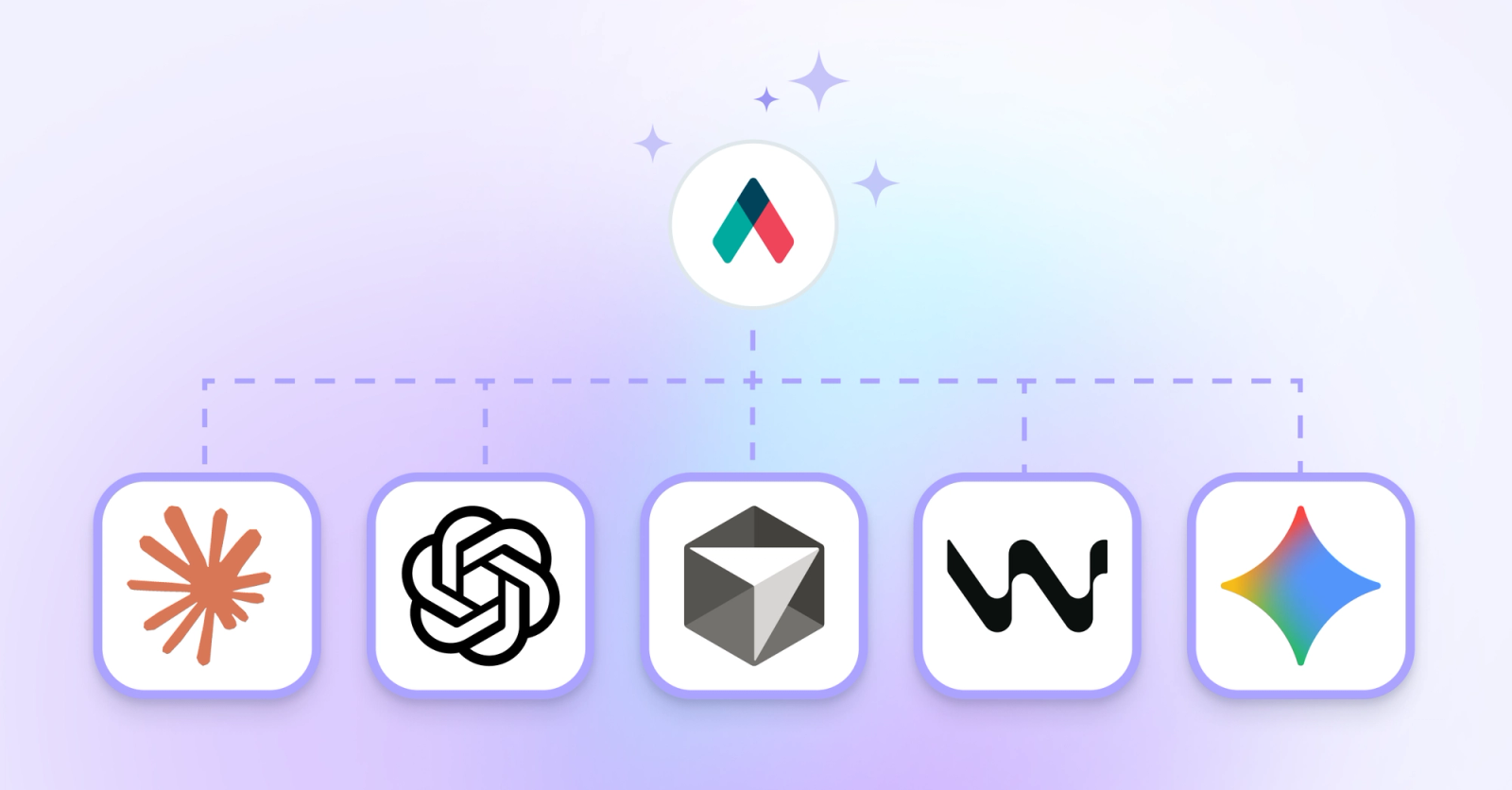
The Qwilr MCP is available on all plans. Creating pages from templates via the MCP is available on our Starter, Growth and Scale plans and draws from your credit balance.
Understand your proposals' performance at an account level
Until now, you had to click through proposals one by one to see how they were performing. You can now export your Qwilr account data as a .csv and analyze it however you like: in a spreadsheet, in your business intelligence tool, or with your AI agent of choice.
Exports fall into two buckets:
- Pages and content performance: proposal acceptance, buyer viewership and engagement, etc.
- User adoption: logins, active users, pages created per person or team, and seat utilization
How far back your analytics go depends on your plan: 1 year on Starter and legacy Business, 2 years on Growth and legacy Business+, and up to 5 years (from February 2024) on Scale and legacy Enterprise.
Generate and edit images with AI
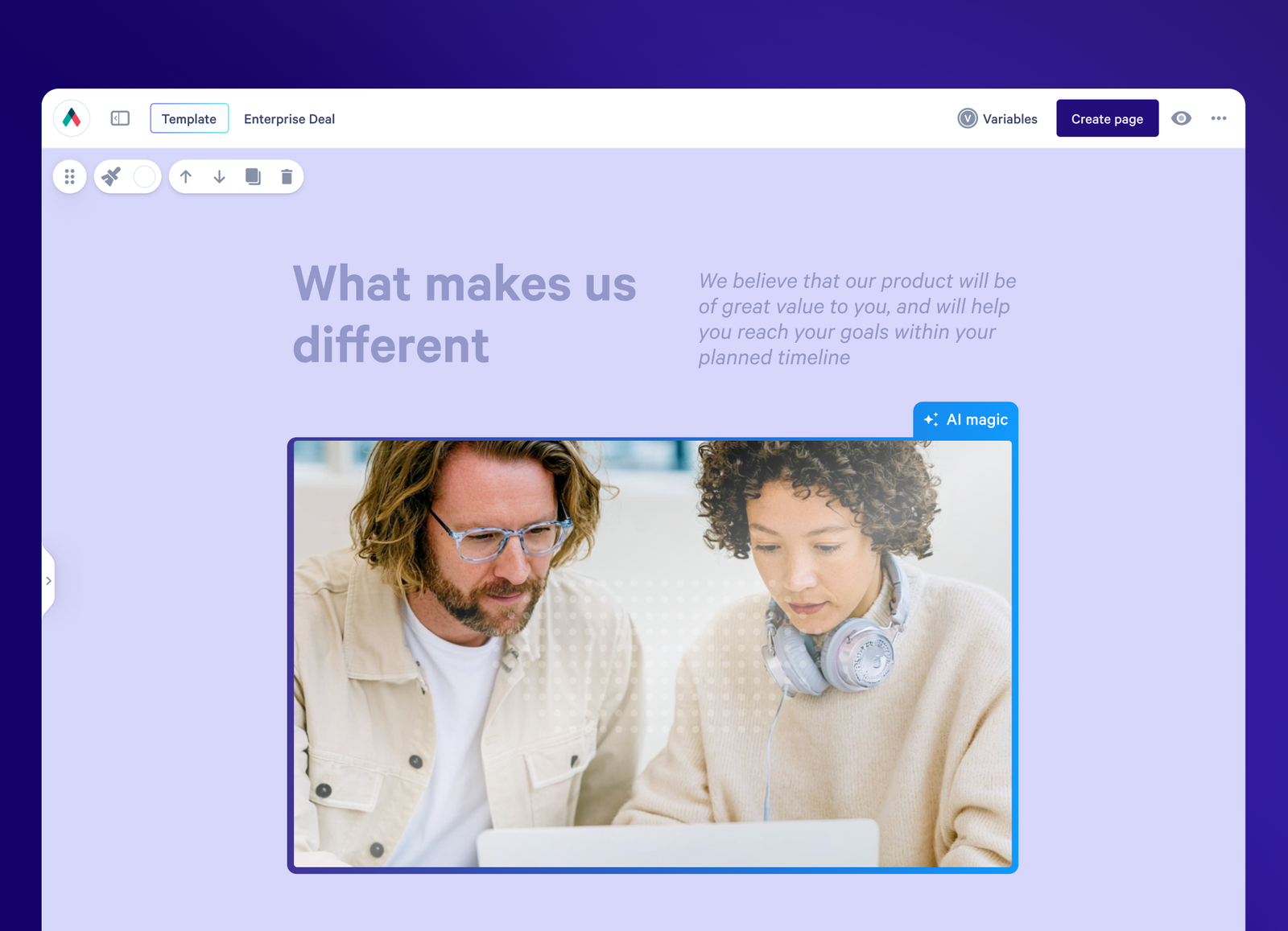
Can't find the right image for your proposal? Or you've found one that's close, but it still needs fixing? You can now create and edit images with AI right inside Qwilr.
When you add an image, describe what you want in plain language, like "three people in a conference room," and pick a style such as “realistic”.
You can build proposals faster without leaving Qwilr or waiting on a designer.
Create proposals without leaving Microsoft Dynamics
Our new Microsoft Dynamics 365 integration means no more copying deal details from your CRM into proposals. With one click, you can generate a proposal that pulls in data from your Dynamics Opportunities, Accounts and Contacts.
There's also a Qwilr panel inside Dynamics, so you can see linked pages and share links, and know when a buyer has viewed or signed, all from the Opportunity record.
Automations handle the admin after a deal closes, writing page events back to Dynamics and kicking off onboarding emails, invoices or payment reminders.
The Microsoft Dynamics integration is available on our Growth and Scale plans, and on our legacy Enterprise plan.
Upgrade your Salesforce and HubSpot connections
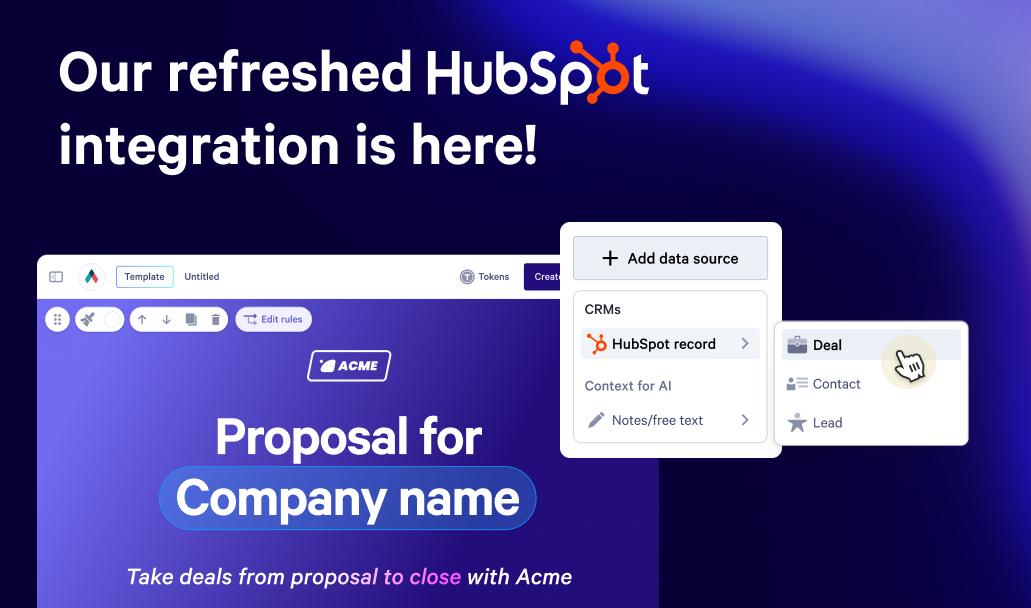
We've rebuilt our Salesforce and HubSpot integrations on a new foundation. The result is a smoother, more reliable connection between Qwilr and your CRM, so your data syncs consistently and your proposals stay in line with your deals.
Haven't migrated yet? Follow our step-by-step guides for Salesforce and HubSpot.
Automate your Zoho CRM admin
Every minute a rep spends manually updating a deal in Zoho is a minute they're not selling. With our new Zoho Automations, Qwilr page events like set live, viewed, accepted, declined or expired can trigger Zoho Workflow Rules automatically.
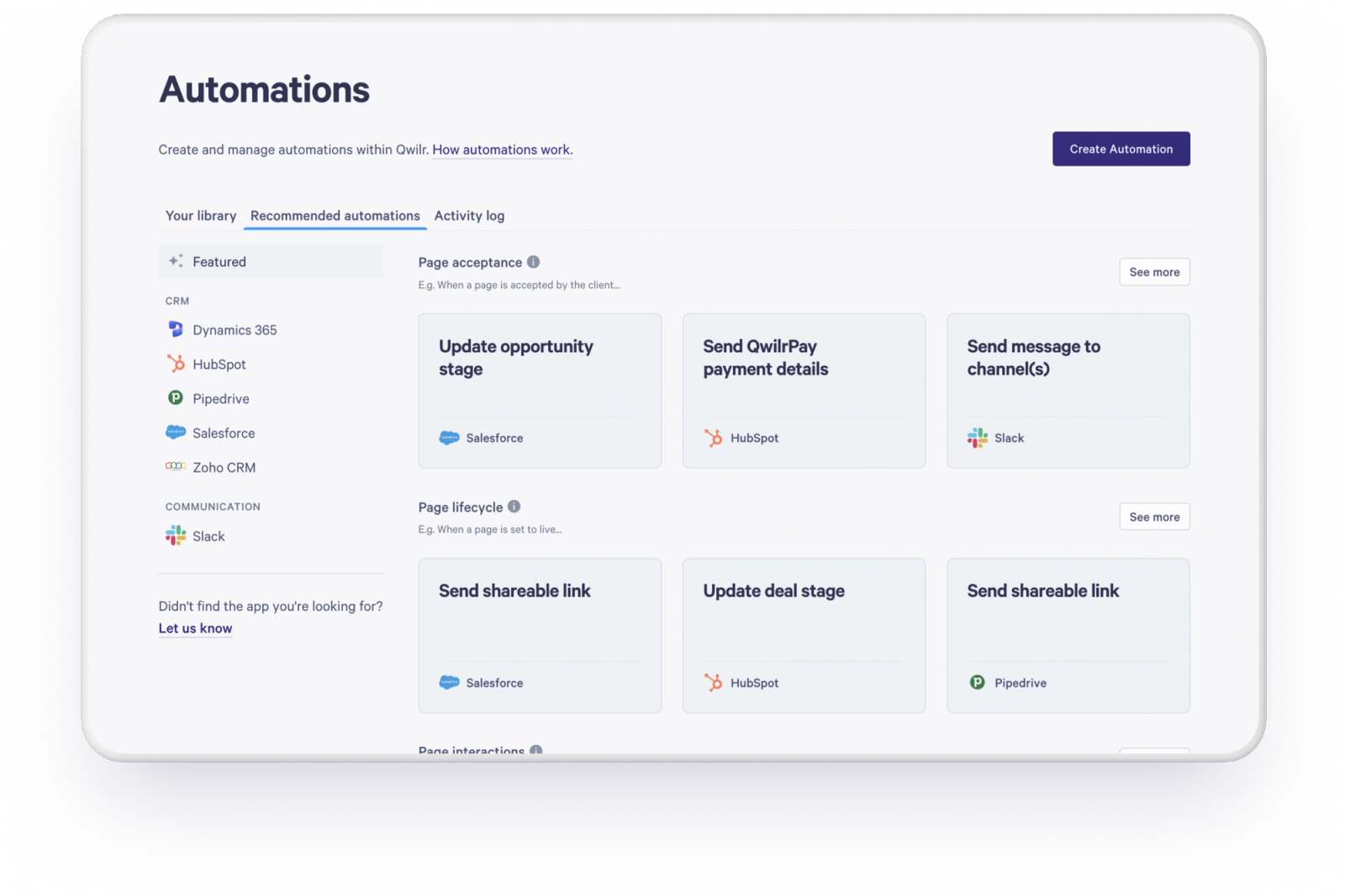
A few ideas to try:
- Move a deal to Closed Lost when a page expires
- Sync buyer details from an accepted page into Zoho, then send a welcome email or generate an invoice
- Create a follow-up task for the deal owner when a page is declined or goes unviewed
Any automation you can build in Zoho's Workflow Rules can now be triggered from a Qwilr page.
Zoho Automations are available on all plans except Starter.
Coming soon
There's plenty more on the way, including:
- A big upgrade to quoting
- Three new CRM integrations: Attio, HighLevel and monday CRM
- …and more
Questions about any of these releases? Our Support Team is happy to help.
About the author

Guy Hall|Head of Product Marketing at Qwilr
Guy leads product marketing at Qwilr – tackling things like positioning, messaging, sales enablement and more. Guy has a background in content and communications, and has worked across a variety of industries including tourism, telecoms and tech.