

Salesforce teams, you no longer have to make a trade-off between speed and quality when it comes to your proposals.
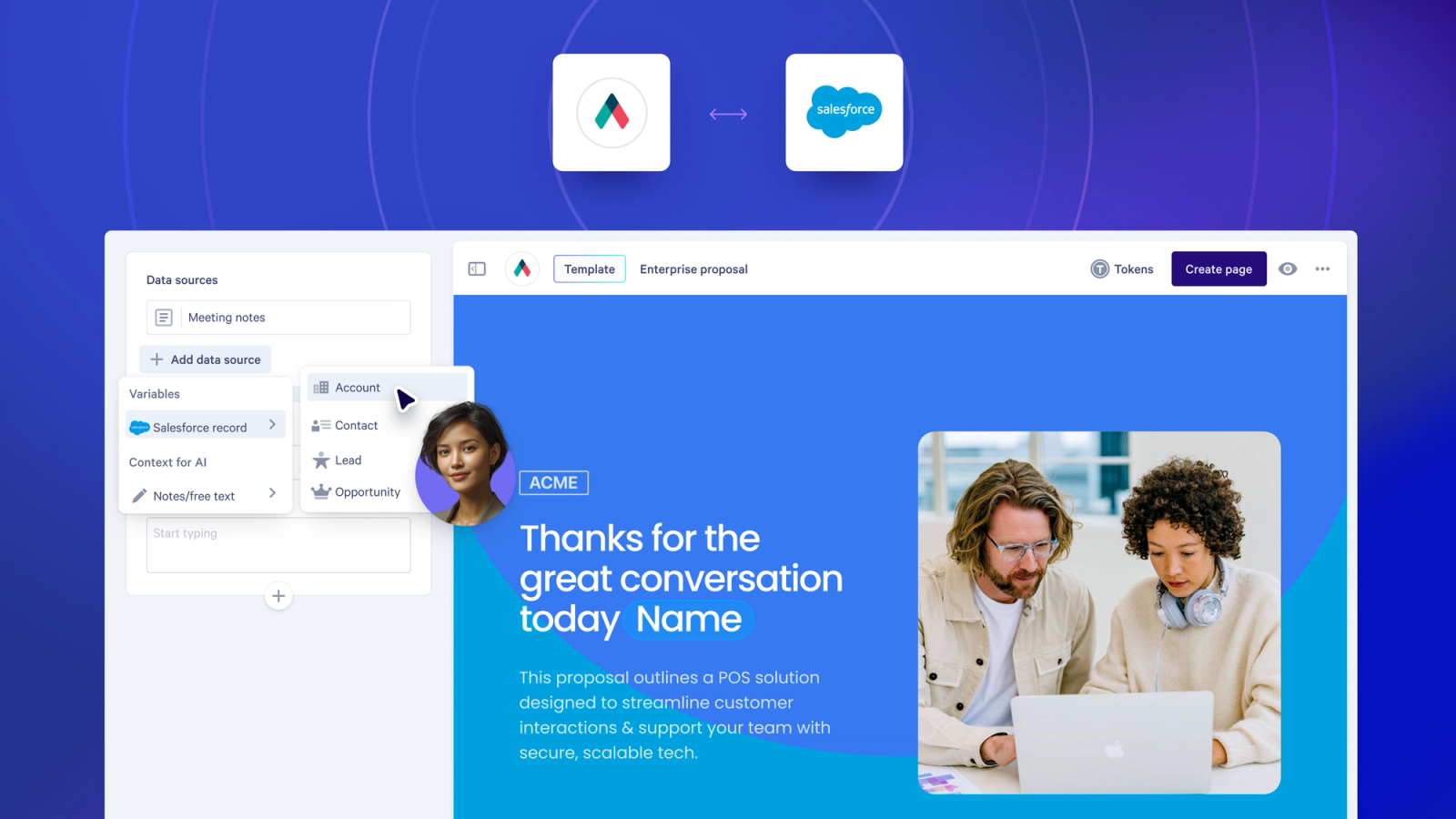
Salesforce now plugs directly into our AI-powered Smart Proposal Engine, pulling your CRM data (alongside call transcripts and meeting notes) to create highly personalized proposals, built with your sales rules, in just a few clicks.
We’ve just released a new version of our Salesforce integration, which you’ll need to be using if you’d like to connect Salesforce to the Smart Proposal Engine.
The Smart Proposal Engine is exclusively available on our Scale plan.
Here’s how it works
Once you’ve got Salesforce connected, reps don't need to manually edit proposals.
Reps simply open a template and complete a guided proposal creation flow.
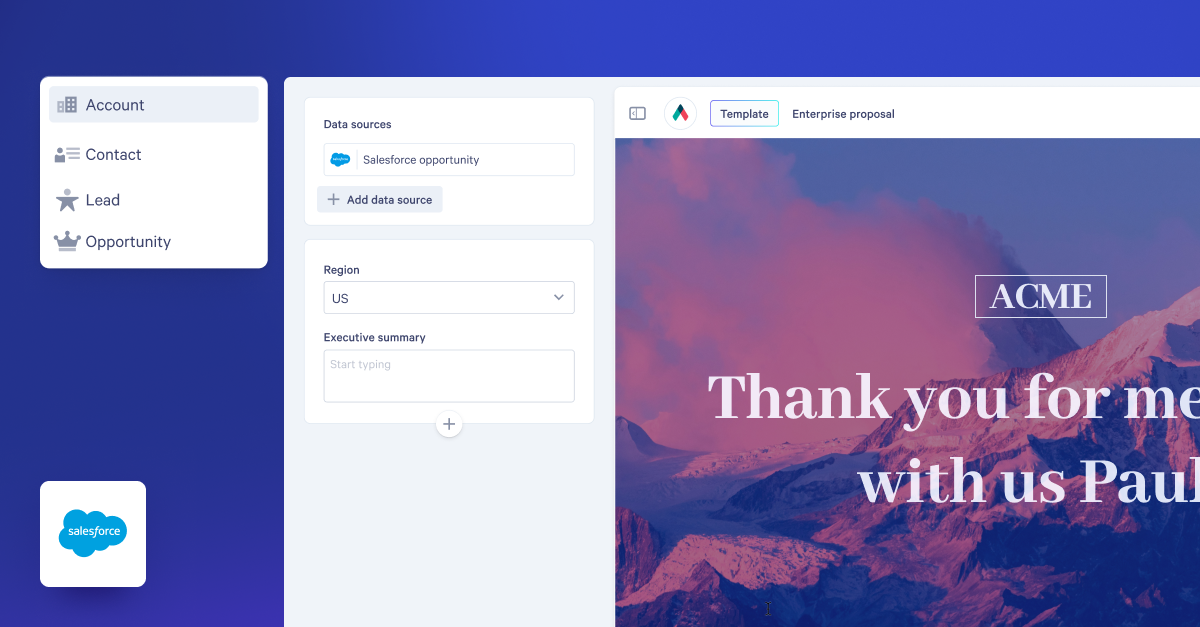
Data is pulled in straight from Salesforce, automatically personalizing the template with the specifics of the deal.
For anything that isn't sitting neatly in a Salesforce field, reps can paste in a call transcript and/or a set of meeting notes.
AI reads through these and finds what's relevant, like any competition that was mentioned or an objection they raised, and uses this to adapt the proposal to the details of the deal.
The correct pricing, content, and messaging all shows up, specific to that buyer.
And, don’t worry, your team still has complete control of the process.
Before any of it goes live, a RevOps manager or sales lead has set up the workflow up in the template: determining where Salesforce data is pulled in, where AI get involved, and which aspects of your proposals change based on this info.
Reps are able to send higher quality proposals, faster. Your sales rules stay intact.
Why this matters
- Your Salesforce data automatically populates the proposal, reducing errors
- Deal context from calls and meetings actually reaches the buyer
- The right content and pricing automatically shows up, no need to worry about version control chaos
- Personalizing proposals takes your reps minutes, rather than hours
- You don’t need to worry about managing multiple templates, as one template dynamically adapts based on the buyer
Some things to know
Connecting the Smart Proposal Engine and Salesforce requires the use of our new Salesforce integration.
The Smart Proposal Engine is a Scale-plan feature, and every proposal it generates draws on your automated document creation credits.
Run into trouble, or just have questions? Send our Support Team a message (help@qwilr.com).
About the author

Guy Hall|Head of Product Marketing at Qwilr
Guy leads product marketing at Qwilr – tackling things like positioning, messaging, sales enablement and more. Guy has a background in content and communications, and has worked across a variety of industries including tourism, telecoms and tech.