
Make proposals part of the workflow you’ve already built
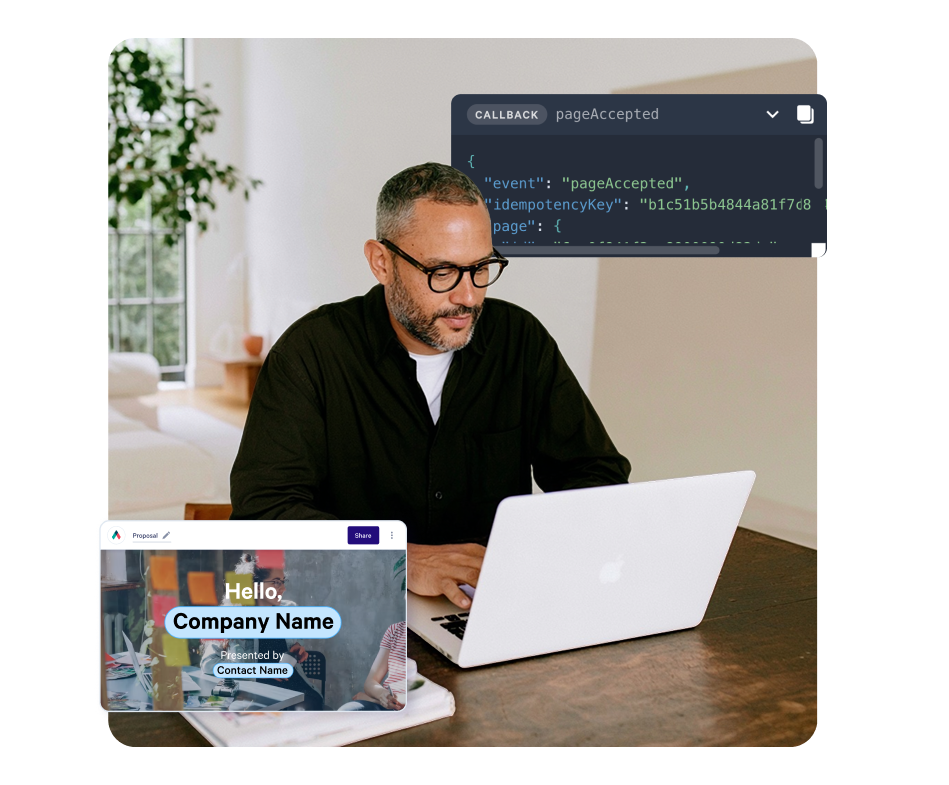
Create proposals from templates or saved blocks, then use webhooks to receive view and acceptance events.
Start with a CRM integration or build with the Qwilr API.
4.6 out of 5 from 937 G2 reviews
Rated on G2 for a fast rollout and document generation



Your automated workflow still has a manual proposal step
Your CRM triggers outreach and your scoring model prioritises leads. But when a deal reaches the proposal stage, someone still copies data into a document.
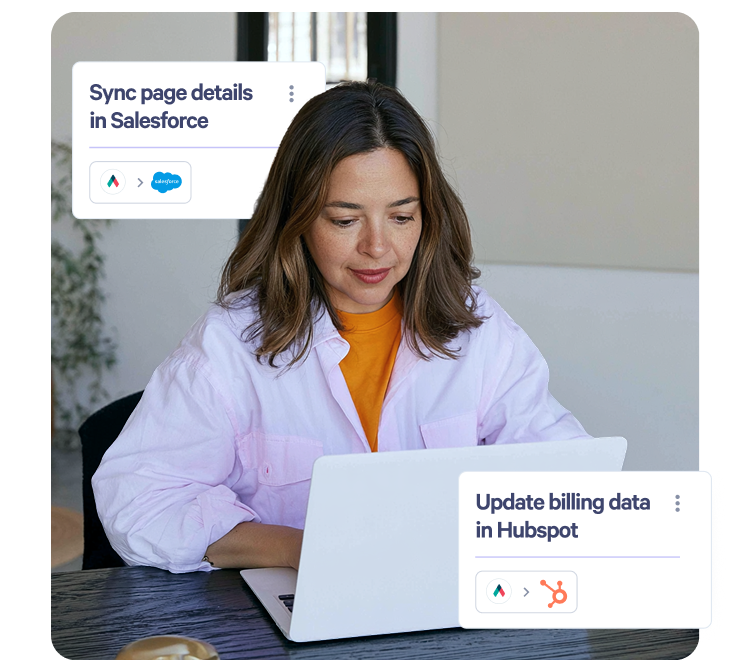
Connect proposal creation to the workflow, then send view and acceptance events back to your systems.
Choose how Qwilr connects to your workflow
Create proposals from your CRM
Use a supported CRM automation to create a proposal when a deal reaches a chosen stage, with deal details filled in from the CRM.
Configure proposal content and pricing rules
Configure a proposal template with fields, conditional content and pricing rules. Reps enter deal details to generate the proposal.
Query Qwilr through your assistant
Ask your connected assistant which proposals are getting engagement and check their status through Qwilr MCP.
Create proposals with the REST API
Create proposals through the REST API and receive view and acceptance events through webhooks.
Create proposals from templates or saved blocks
Use a template and substitute deal-specific values when proposals share a standard structure. Assemble saved blocks when the sections need to vary by deal.
Create the page as an unpublished draft when a rep needs to review it before sharing.
Read the API quick start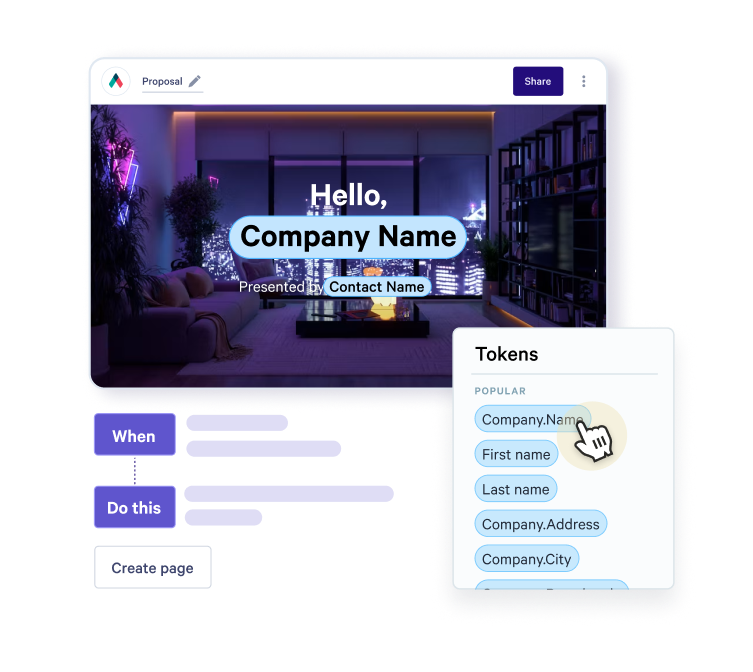
Trigger workflows when proposals are viewed or accepted
Subscribe to view and acceptance events at your endpoint. Use them to update scoring, notify a rep or start an onboarding workflow.
When a proposal is accepted, retrieve its acceptance details and accepted quote data to pass into your downstream systems.
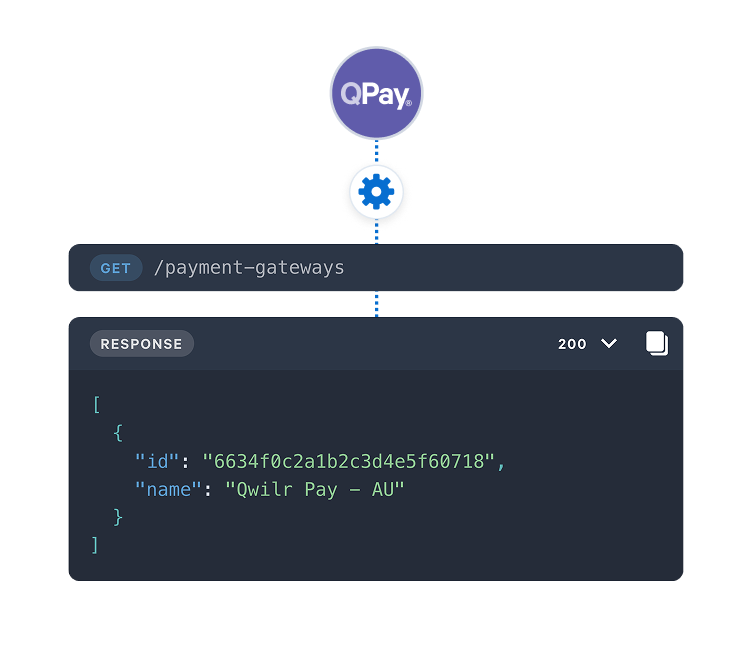
Work in Qwilr from your assistant
Connect Qwilr to your assistant to check proposal status and engagement. Ask which proposals have been viewed and how long buyers spent on each section.
Use the MCP connection to request information through your assistant. Use webhooks when your workflow needs to respond to a proposal event.
Learn more about Qwilr MCP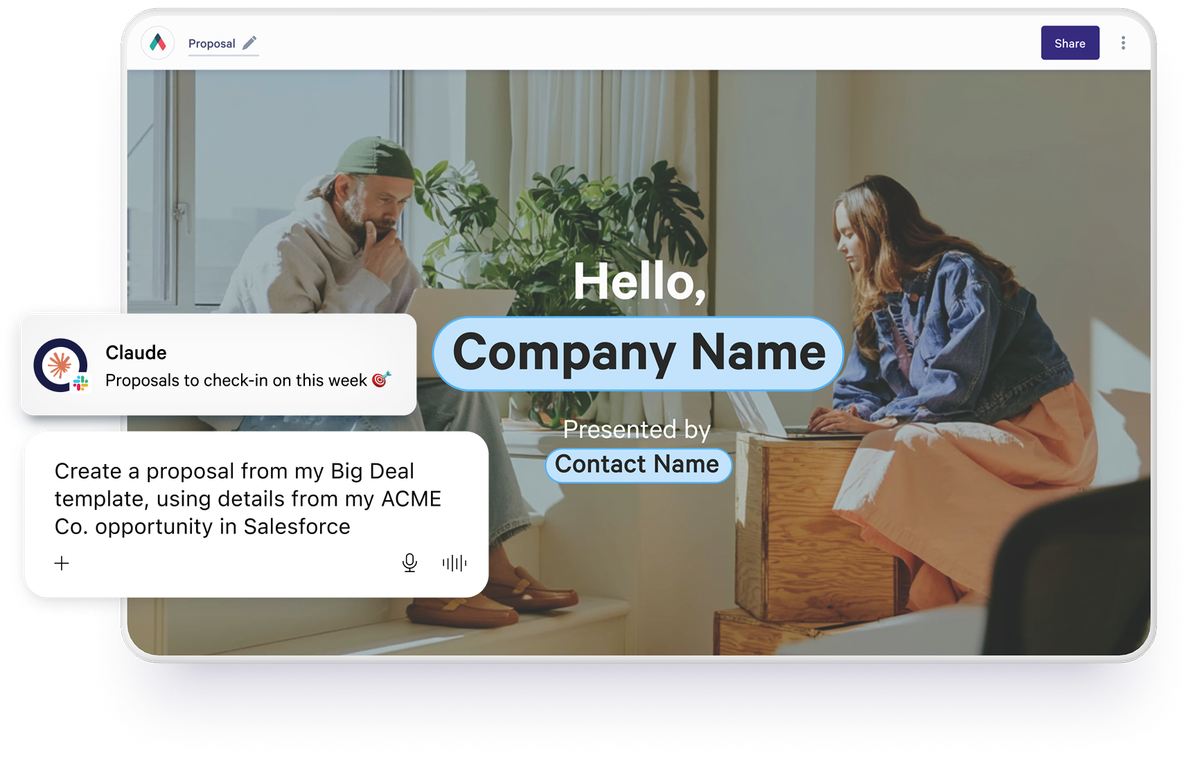
Build vs buy
Generating the document is one part of the work. A custom proposal system also needs hosting, access controls, signatures, payments and engagement tracking.
Use Qwilr for the buyer-facing proposal and the events it returns. If your workflow uses a CPQ system, keep deal configuration and pricing there.
How ExtensisHR creates proposals from Salesforce
ExtensisHR replaced slide decks of 30 to 40 pages with proposals created through Qwilr’s Salesforce integration.
"All our sales reps have to do is fill in 9 fields or so. Then select the template they need in the Qwilr module, and that's it."
Amy DeCicco, Senior Vice President, Marketing at ExtensisHR
Read the ExtensisHR story
Questions GTM engineers ask
Proposal automation for GTM engineering connects proposal creation to the CRM, scoring and outreach workflows that GTM engineers, RevOps and sales ops teams already run. A proposal is created from a template or saved blocks when a deal reaches the right stage, and view and acceptance events go back to your systems. Our guide to proposal automation covers the main approaches.
GTM engineering connects the data, tools and workflows used by sales, marketing and revenue operations. It combines integrations, automation and code to support tasks such as lead enrichment, routing, outreach and reporting. Proposal automation extends that work into creating proposals and returning buyer activity to the systems the team uses.
Yes. Use the Qwilr API to create a proposal from a template with substitutions, or assemble it from saved blocks. Create it as an unpublished draft for review or publish it for sharing.
Yes. View and acceptance events can feed your scoring system through webhooks. Your scoring logic decides how much weight to give each event. Use webhooks when a view or acceptance needs to trigger an update in another system.
Yes. Supported CRM automations can create proposals from deal records without custom code, with deal details filled in from the CRM. Admins can also set up templates that reps complete with the details of each deal. Use the API when you need a custom integration or a trigger outside your CRM.