
The renewal starts at onboarding
Give customers a clear onboarding plan, a record of progress and a renewal proposal they can act on. Build each from reusable content and share it as a live link.
Update plans and reviews as the account progresses, without sending another version.
4.6 out of 5 from 935 G2 reviews

Rated on G2 for support and easy admin




From kickoff to renewal
Customer-facing plans, reviews and proposals for each stage of the relationship.
Give customers one place to find their onboarding plan
Bring the next steps, owners, training resources and target go-live date into one page. Update the plan as onboarding progresses so customers can return to the same link.
Explore content features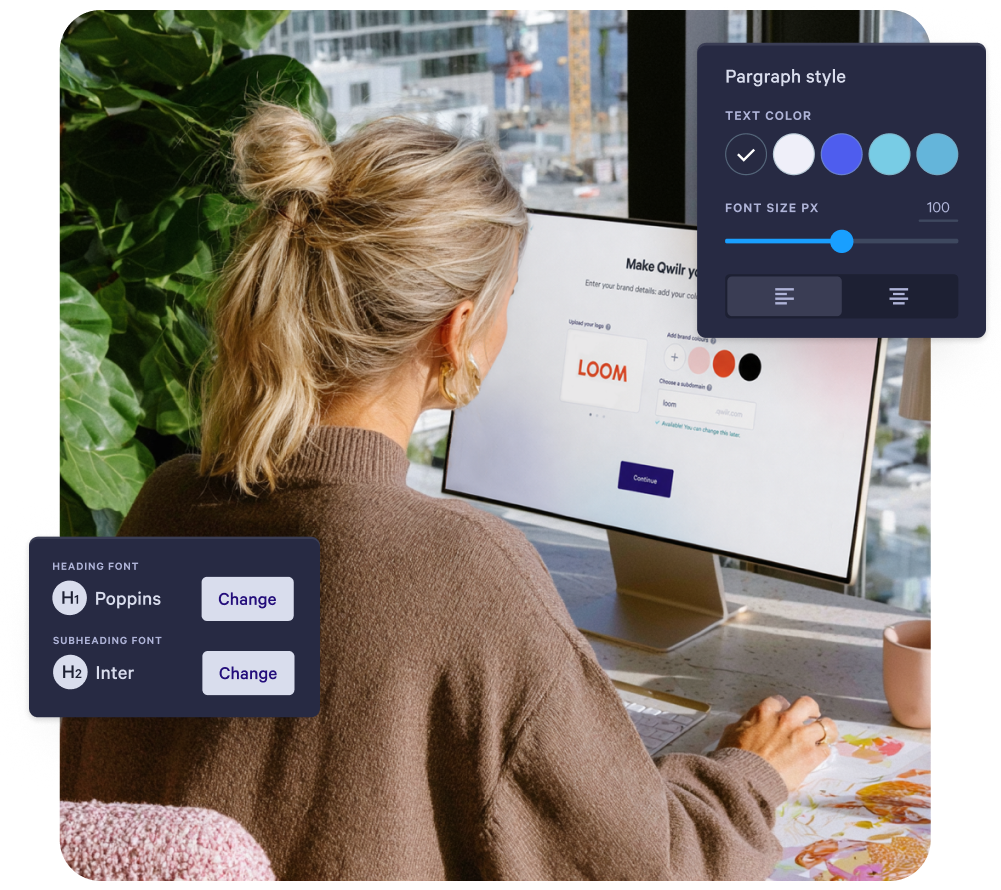
Carry the sales conversation into onboarding
Use supported CRM fields to populate customer details in your onboarding documents. Add the agreed goals, scope and next steps so the customer can see how the plan follows the sales conversation.
Explore integrations
Show customers the progress behind the numbers
Start from a reusable quarterly business review (QBR) template, then add the customer’s results, progress against agreed goals and priorities for the next quarter. Share it before the meeting and use reading activity to help prepare the conversation.
Explore content features
Renewal and expansion in one quote
Present the renewal scope, pricing and relevant expansion options in one proposal. Customers can compare options and sign in the same page, with payment available when it fits your billing process.
Explore pricing features
Templates for customer success teams
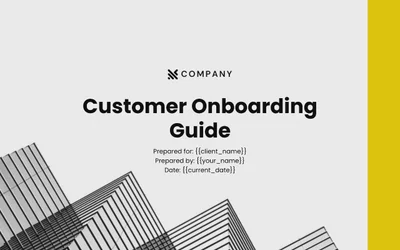
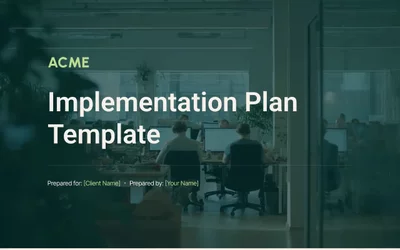
Start with a template, then tailor the goals, milestones and next steps to your customer.
Browse all templates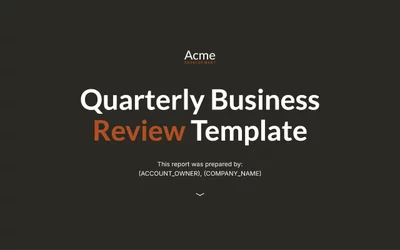


How BELAY made onboarding feel personal at scale
BELAY provides virtual assistants, bookkeepers and other outsourced staff across the United States.
Proposals generate from Salesforce, and the team took the same approach into onboarding, using Qwilr to welcome new clients and new team members across four acquired businesses.
"If you want everyone to feel like they're your most important client… go with Qwilr. It gives that personal touch we're missing in today's digital world."
Nick Vian, IT Systems Administrator at BELAY
Read the BELAY story
Questions customer success teams ask
Proposal software for customer success teams lets CSMs, account managers and onboarding teams share onboarding plans, quarterly business reviews and renewal proposals as web pages, each with its own link. Start from a customer onboarding plan and tailor it to the customer's goals. Reading activity shows which sections the customer spent time on before your next conversation.
Yes. Supported fields from your CRM integration can fill a QBR through template variables. Available fields and setup depend on the integration. For usage figures held elsewhere, add the data before sharing or create the page through the Qwilr API.
Customers can review the renewal quote and sign on the same Qwilr page. Interactive quotes can include optional add-ons, with the total updating as the customer selects them. Add payment collection when it fits your billing process, or keep your existing invoicing workflow. Once accepted, the page is locked against editing.
Yes. You can edit a shared page that has not been accepted, and customers see the updated content when they reopen the same link. This keeps onboarding plans and QBRs current. Accepted pages cannot be edited, so clone the page if you need a separate, editable version.