
Scope, price and sign every software project in one place
Implementation partners and development studios send the scope, phases, pricing and terms in one proposal the client's technical and commercial leads can both read and sign.
4.6 out of 5 from 937 G2 reviews

Rated on G2 for proposals, quoting and contract management




The proposal should keep up with the project
Stop borrowing from the last deal
Give the team approved templates for implementation, consulting and custom build work. Reps change the scope and price without dragging old rates or terms into a new proposal.
Give technical and commercial buyers one page
Keep the technical approach, integrations, delivery plan, pricing and terms together. Everyone can review the parts they care about without chasing another deck.
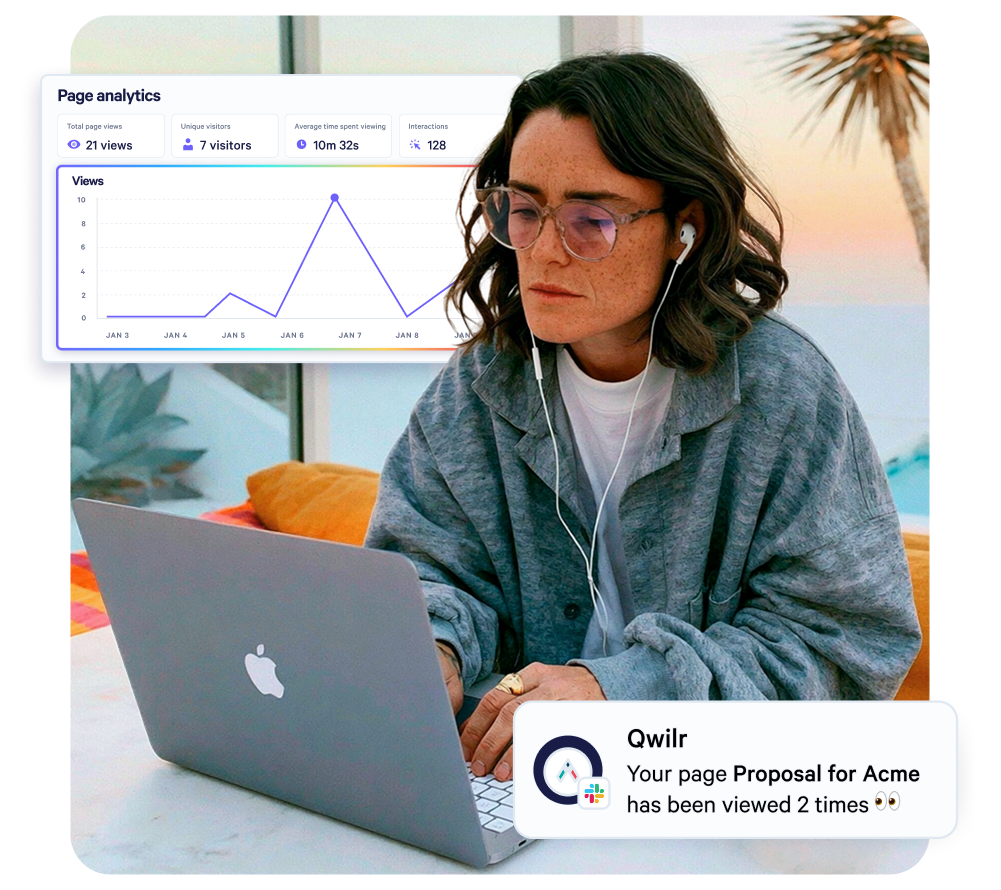
Know what happens after you send it
See when the proposal is opened and what the buyer spends time on. Follow up on the questions already taking shape, then collect the signature on the same page.
From first draft to signed deal
Start with what the deal needs
Open the right template for the job, whether that's a Salesforce implementation, an ERP rollout or a custom build, and add the scope, phases, pricing and proof. Account and opportunity details come straight from HubSpot or Salesforce, so nobody copies them across.

See where interest sits
See when the proposal is opened and how long the client spends on each section. If pricing, security or the delivery plan is holding attention, the rep knows where to pick up the conversation.
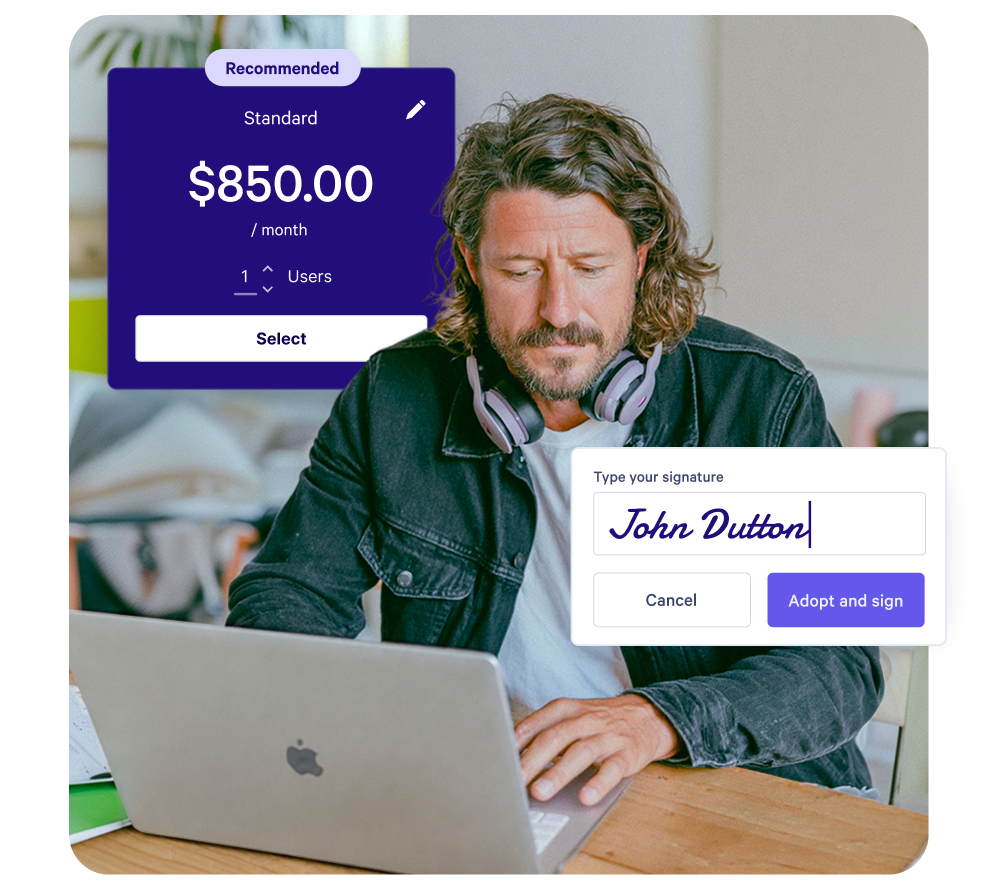
Get the decision in the page
The client picks the options they want, accepts the terms and signs, and you can take a deposit on acceptance.
Once accepted the page locks, so a change request goes out as its own page with its own signature.
Destined quotes Salesforce projects from one content library
Destined is a Salesforce partner in Sydney, delivering Salesforce, Pardot and MuleSoft implementations and consulting. Its proposals used to draw on hundreds of templates, with scope and technical requirements pulled from several documents.
Reps now build from one content library inside the Salesforce opportunity, and document production time has halved. Clients pick the services they want in the pricing, which Destined says has lifted its average contract size.
"When a client makes changes or requests additional services, it can be disastrous if mishandled. Qwilr provides a simple way for us to get client agreement without going back and forth."
Andrew Thomas, Head of Marketing, Destined
Read the Destined story
Less proposal admin as the team grows

Keep approved content close
Store partner certifications, delivery methodology, security information, case studies and terms as saved blocks. Update a block once and every proposal created after that uses the new version.

Price the deal clearly
Show discovery, build and support as separate phases, with fixed fees, or day rates the client sets within a range. Support retainers sit as recurring lines and optional services beside them, so the client chooses before they sign.

Keep the CRM in the loop
Use HubSpot or Salesforce data in the proposal, and add payments through Stripe when the process calls for it.
Start from a software proposal template
Choose the closest starting point, then change the scope, delivery plan and pricing for the project.
Explore software templates
Questions software consultancies and development firms ask
It's software for building, sending and getting sign-off on project proposals as a web page. Software consultancies use it to propose implementations of platforms such as Salesforce, ERP or cloud systems, and development firms such as dev studios, app agencies and outsourced engineering teams use it to propose custom builds. The scope, phases, pricing, terms and signature sit in one page, and you can see which sections the client read. For managed services work, the IT services proposal guide covers what to include.
The client's problem, the proposed solution and technical approach, scope and assumptions, phases and a delivery timeline, pricing, responsibilities on both sides and the commercial terms. An implementation proposal also names the platform and the partner certifications behind the team, and a build proposal usually separates discovery from delivery. The guide to writing a software proposal works through each section.
Start each common project type, such as an implementation, a fixed-scope build or a managed IT service, from an approved software development proposal template. Saved blocks keep methodology, case studies and terms current while leaving room to tailor scope and pricing. Only admins can edit templates, and locked blocks can only be changed by an admin.
Yes. One proposal can present the technical approach, integrations and delivery plan alongside pricing, terms and expected outcomes. Technical reviewers check how the solution will work while commercial stakeholders assess the cost and business case, and page analytics show how long the client spends on each section.
Yes. The client accepts and signs in the same page, and QwilrPay can take an upfront deposit as a flat amount or a percentage, by card, Apple Pay, Google Pay, or ACH, BECS or SEPA depending on the country. Once accepted, the page can't be edited, so the agreed scope stays on record.
Send the change as its own proposal for the client to sign. An accepted page can't be reversed, deleted or edited, so the original scope stays on record and each change request has its own approval. Destined, a Salesforce partner, uses Qwilr this way to get client agreement on changes without going back and forth.