
- Implementation Plan Template
Implementation Plan Template
Plan a customer rollout from kickoff to go-live, with phases, owners, risks and the commercials in one page the client can sign.
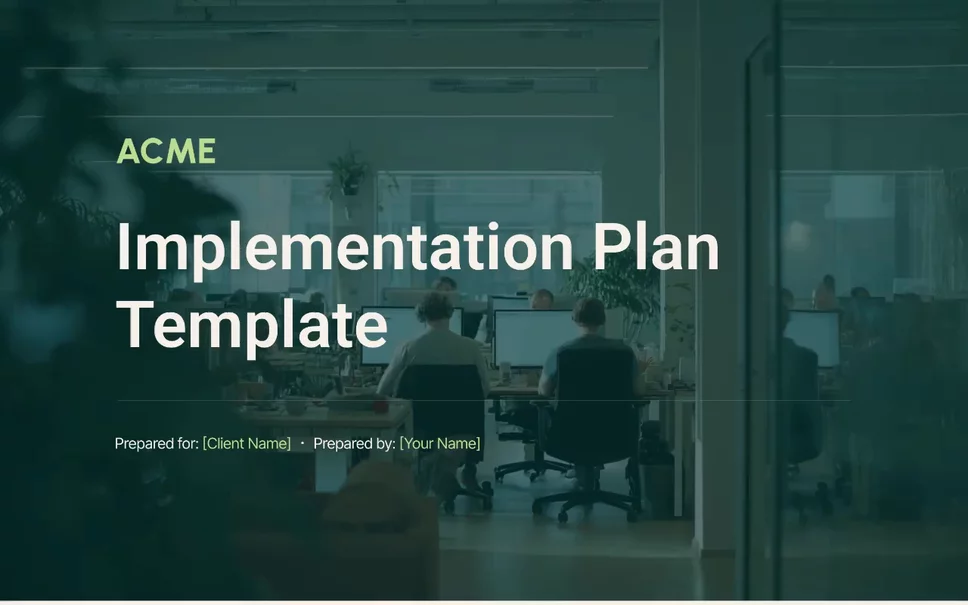
About this template
Use this template to plan how a new customer gets up and running with your product or service. It covers an overview and your point of contact, the objectives for each phase with setup checklists, a training deck and video, a week-by-week timeline, roles and responsibilities on both sides, risks and dependencies with how you'll handle them, packages with add-ons, an ROI calculator and terms they sign online.
The example is a two-phase rollout, so adjust the phases and dates to fit your product. Our guide to writing an implementation plan covers each part. For software rollouts, the software implementation plan template goes into more technical detail.
Want a version built around your brand and services? Qwilr's design team can create one for you. Talk to our team
What's included?
- Overview
- Phase one: launch
- Phase two: optimise and scale
- Training deck and video
- Timeline and milestones
- Roles and responsibilities
- Risks and dependencies
- Packages and add-ons
- Return on investment
- Agreement and e-signature
The sections in this implementation plan template
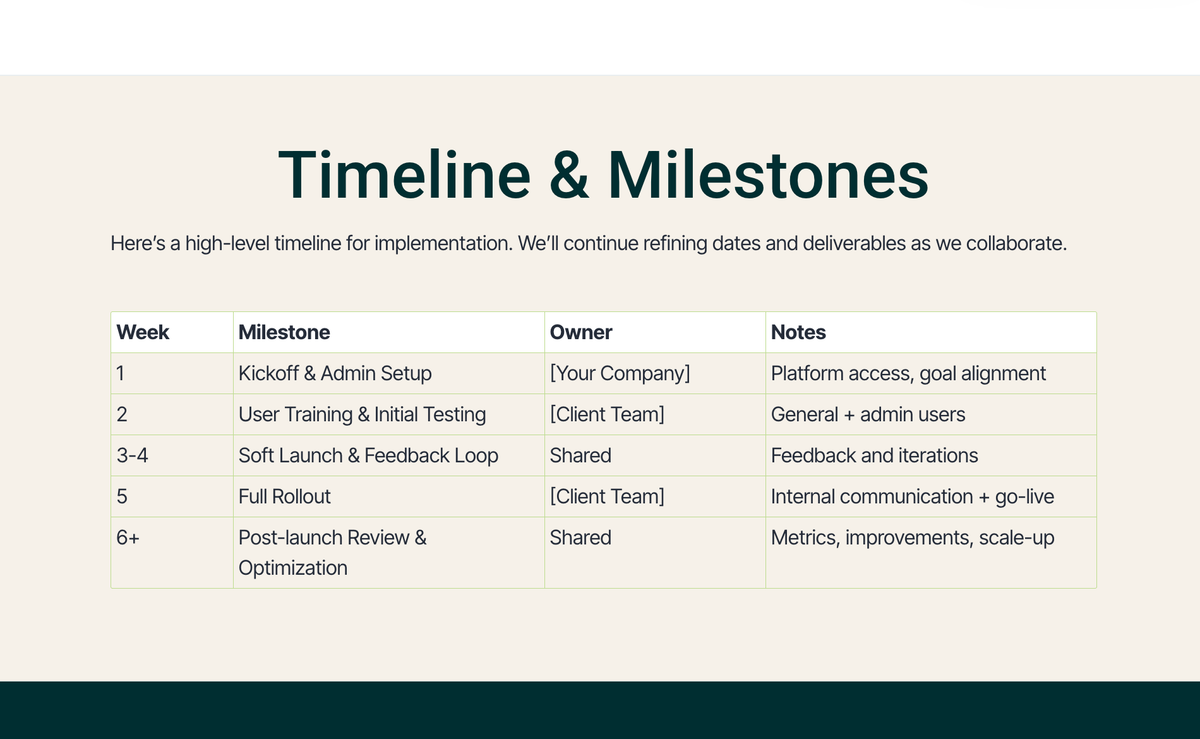
Timeline and milestones
Lay out the rollout week by week, from kickoff and admin setup to soft launch, full rollout and a post-launch review, with an owner and notes for each.
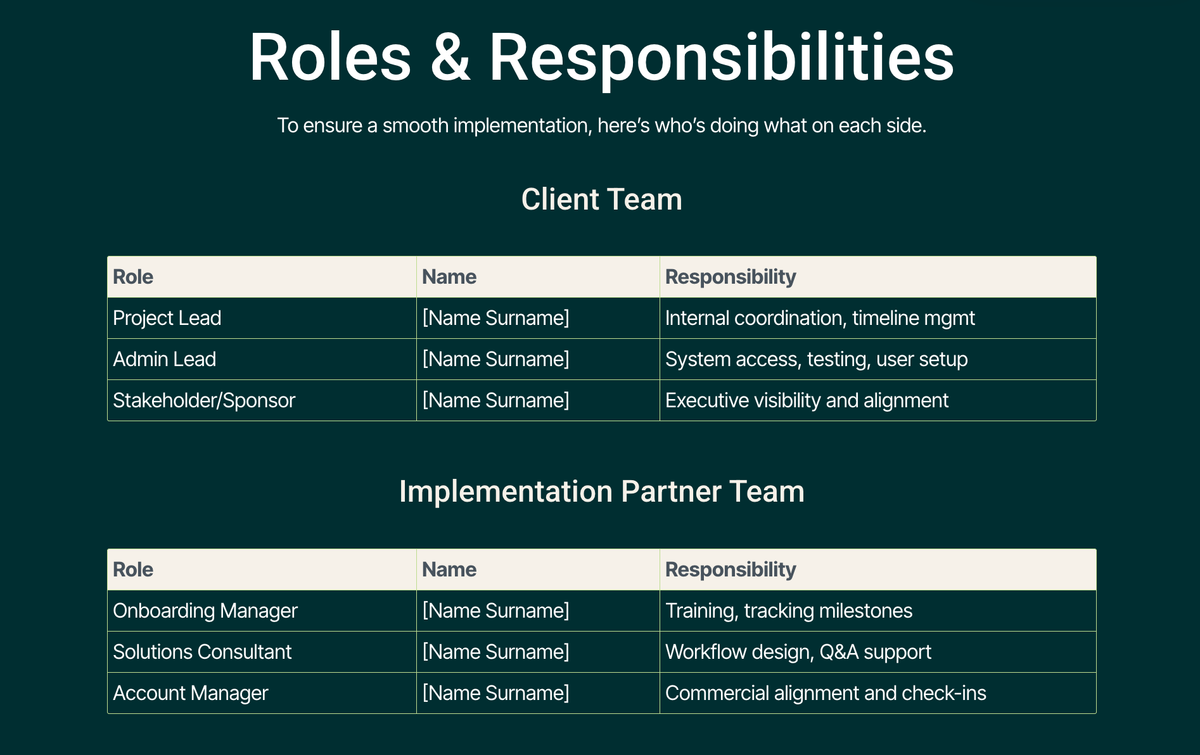
Roles and responsibilities
List who's doing what on the client team and on yours, from the project lead and admin to the onboarding manager and account manager.
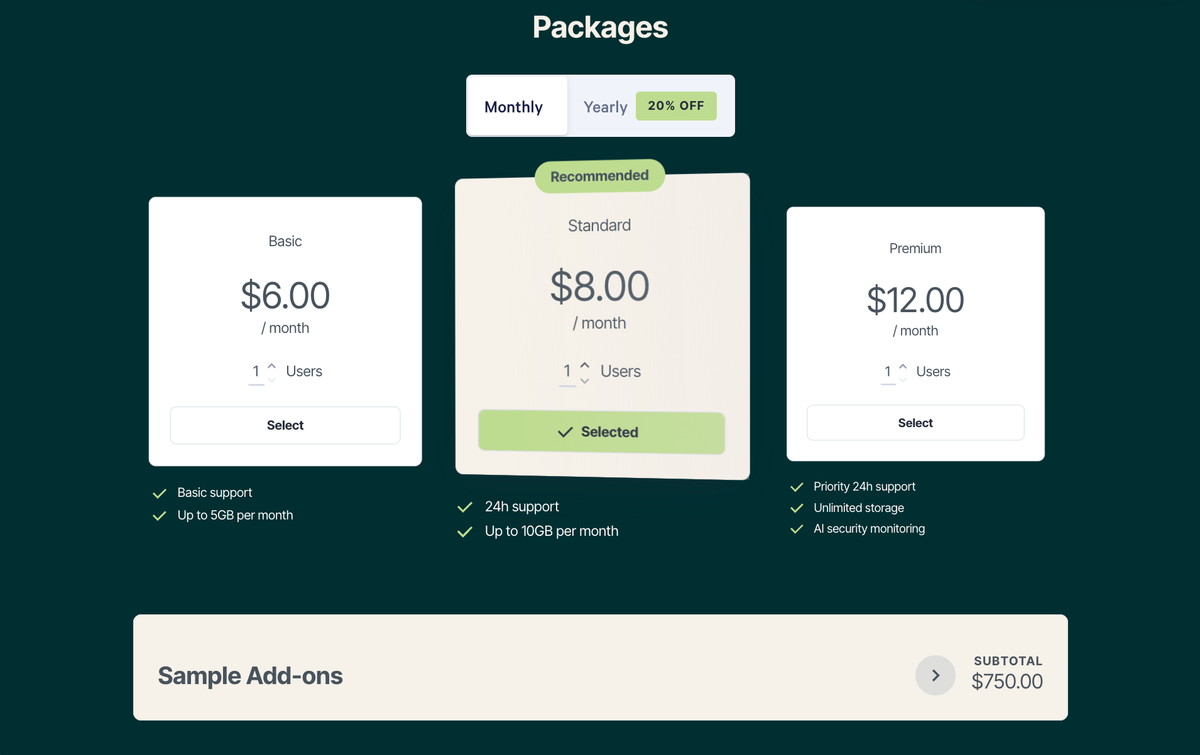
Packages and add-ons
Show the plan the client chose, with monthly or yearly billing and one-off add-ons such as onboarding, so the totals due today and each month are clear. See how Qwilr quotes work
Return on investment
Remind the client of the value they're working towards, with an ROI calculator they can adjust by team size. More on ROI calculators

Agreement and e-signature
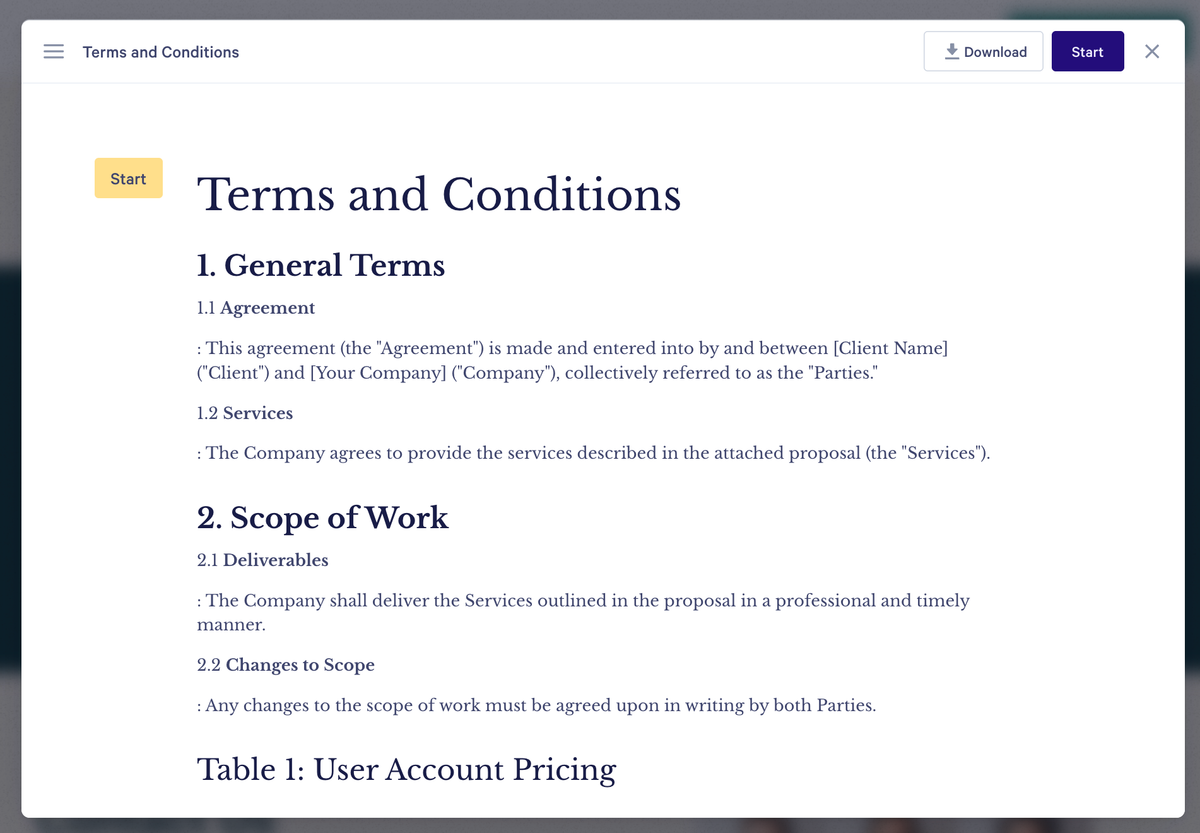
End with your terms so the client can sign on the page once they're happy with the plan. More on e-signatures and agreements
Why customer success teams use this template
Rollouts slip when owners and dependencies aren't written down. A single page with the phases, who's doing what and the risks to watch gives both teams the same plan, and you can update it at each weekly check-in.
Rated a Leader for proposal software on G2



Why Qwilr?
Design interactive proposals
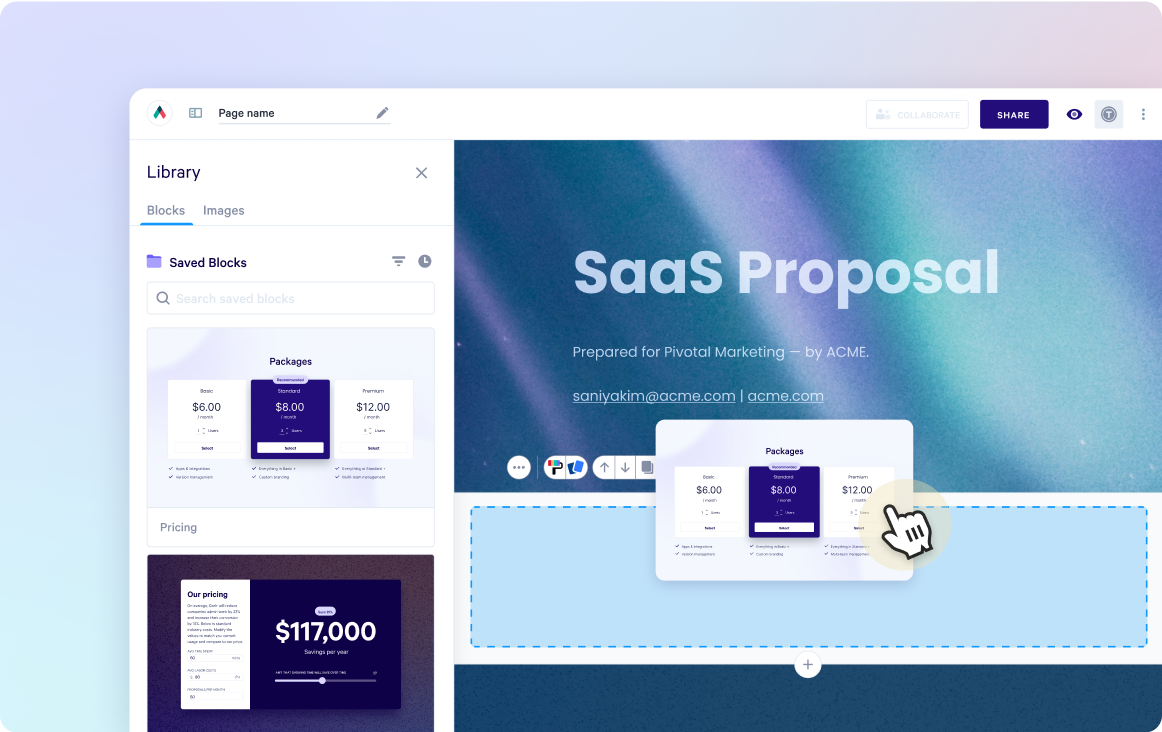
Impress buyers with interactive proposals that stand out. Qwilr’s drag-and-drop editor makes it easy to create on-brand, stunning collateral — no design skills needed. Add videos, dynamic pricing, and ROI calculators to deliver a unique experience, while automated brand customizations ensure every proposal looks professional.
Built-in e-sign functionality
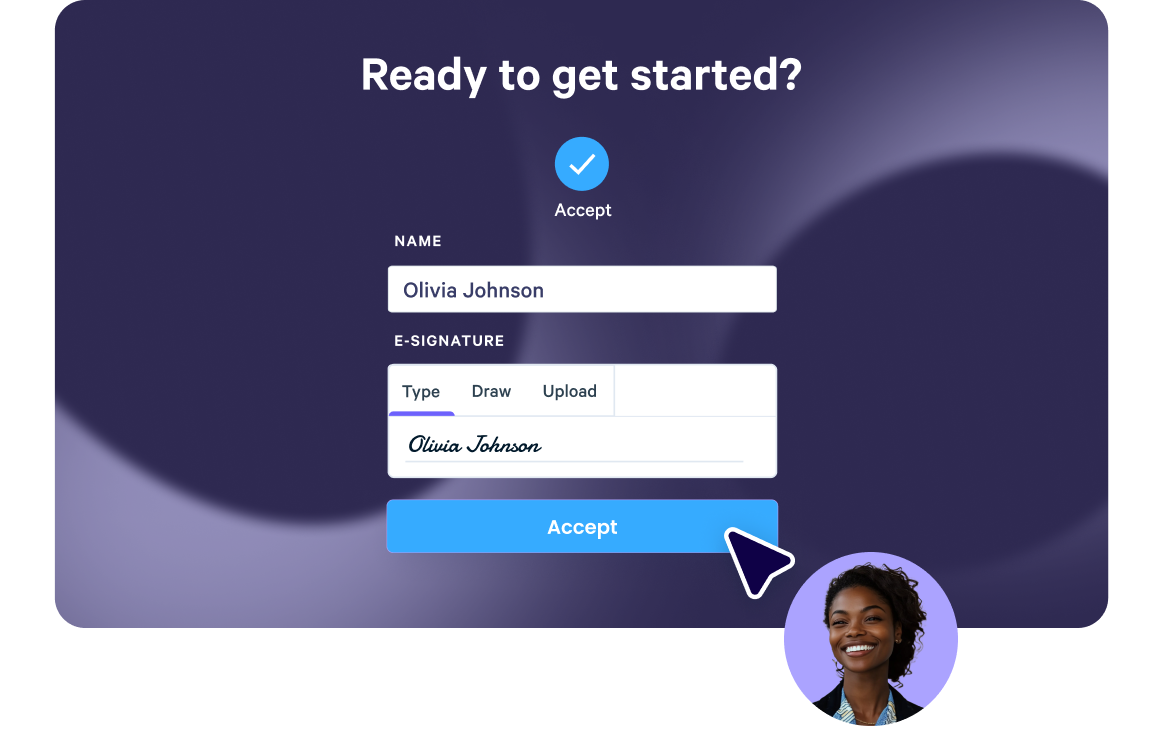
Combine stunning proposals, plain-text agreements, and secure e-signatures in one tool. Add print-friendly agreements alongside dynamic content and collect legally compliant e-signatures with ease. Track progress, capture multiple signatures, and close deals faster with Qwilr’s integrated e-sign functionality.
Real-time proposal analytics
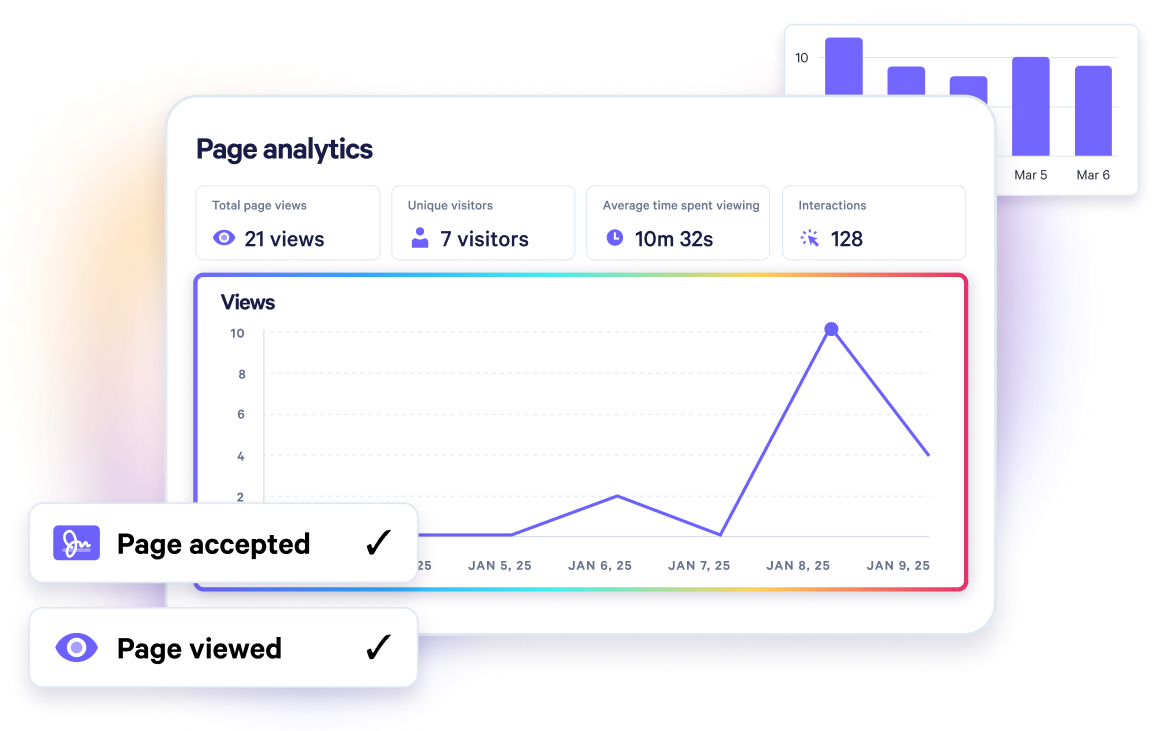
Qwilr’s analytics provide full visibility into buyer engagement. Track when proposals are opened, signed, or shared, and get instant notifications for key buyer activities. See what buyers click on, how they engage, and prioritize follow-ups based on real-time insights—all designed to help close deals faster.
Templates for every use case
Explore templates for sales, marketing, customer success and more, or see how Qwilr works for your industry.
Explore onboarding templates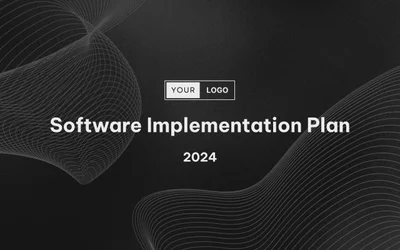

Frequently asked questions
An implementation plan sets out how a new product or service will be rolled out: the goals, phases, tasks, timeline, who's responsible and the risks to manage. It gets both teams agreeing on the path to go-live. See our guide to writing an implementation plan.
Objectives, phases with tasks, a timeline with milestones, roles and responsibilities on both sides, risks and dependencies with how you'll handle them, training and how you'll measure success after launch. Keep it short enough that both teams actually use it at check-ins.
List the risks and dependencies that could delay the project, such as slow IT access or limited staff availability, with an owner and a plan for each. Review the list at every check-in and add new risks as they come up.
Usually an onboarding or implementation manager on your side, with a project lead on the customer's side. Both should agree the plan and dates, and the executive sponsor should know the key milestones so they can unblock problems quickly.
A phased rollout starts with a small group or a few features, gathers feedback and fixes problems before going wider. It lowers risk for larger teams. A full launch suits simpler products or smaller teams where everyone can start at once.
Yes. The template includes packages and terms, so the client can confirm their plan and sign on the same page. With Qwilr, you can also take setup fees with QwilrPay when they accept, by card or direct debit.