
The offer, the team and the package in one link
Offer packs, role pages and hiring manager briefs, built from the same blocks your sales team uses for proposals. Candidates open them on a phone, accept in the same page, and you can see which sections they read before they answered.
4.6 out of 5 from 936 G2 reviews

Agencies and in-house teams use Qwilr for different jobs
Pick the page that matches the work you do.
You sell recruitment services
Agencies pitching for client accounts need fee structures, terms of business and a signature in the same page.
That is covered in full on the recruitment agency page.
You hire for your own company
In-house teams use Qwilr for the documents that sit around the process: the offer pack, the role page, the hiring manager brief.
That is this page.
What in-house teams put through Qwilr
Three documents that usually go out as a PDF, and are better as a page.
An offer worth opening twice
A candidate weighing two offers reads the numbers first and the story second. A PDF gives them a salary line and an attachment they have to download.
A Qwilr page puts the package, the team, the work and the start date in one branded link, with the acceptance built in. Once the candidate accepts, the page locks and the audit trail records the name, email and company of the person who accepted.
Qwilr is not an HR system. The formal employment contract still runs through your usual process, and this sits in front of it.
Explore e-signatures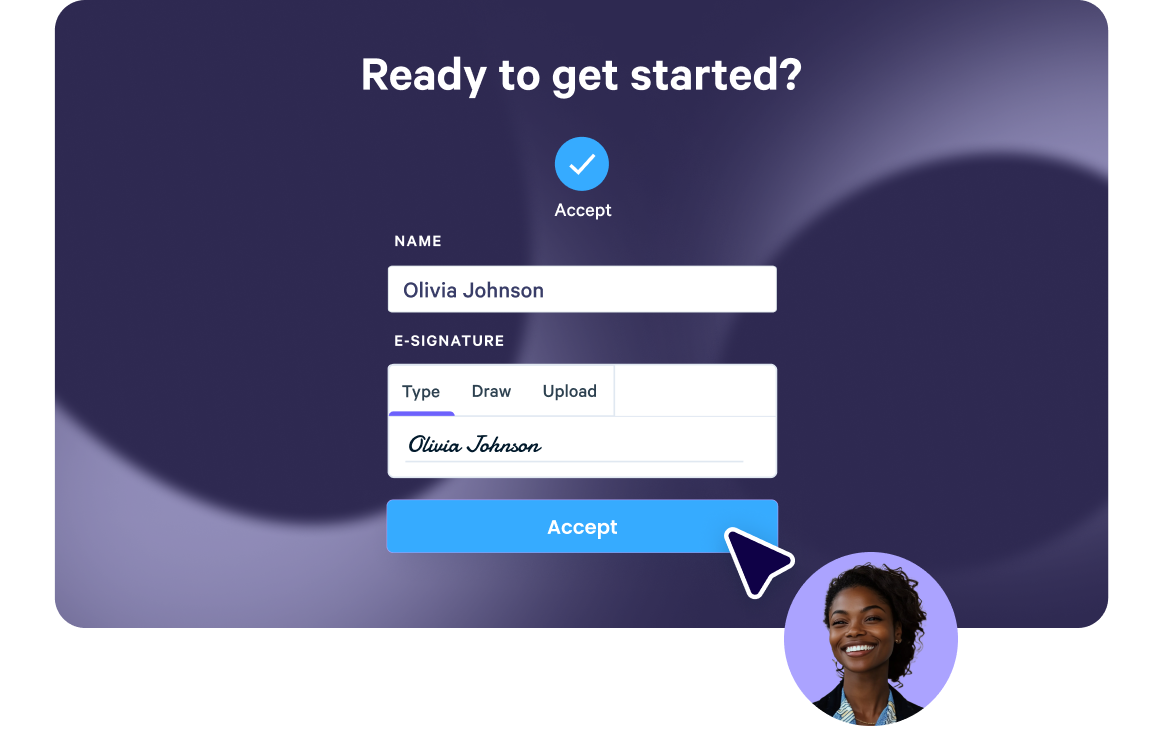
Sell the role the way the company sells itself
The job ad on the board is constrained by the board. The page you send to a shortlisted candidate is not.
Build a role page with your brand, video from the hiring manager, the team it sits in and what the first ninety days look like. Reuse the sections that never change from the content library, and swap only the role-specific part.
When the brief moves, edit the live link rather than sending a second version into the thread.
Explore the editor
Know what the candidate went back to
Qwilr emails you the first time a page is opened and reports engagement block by block.
A candidate who opened the offer three times and kept returning to the equity section has a question they have not asked yet. That call is worth making before the deadline.
The same data works on hiring manager briefs, where a stakeholder who never opened the brief explains a lot about how the intake meeting is going to go.
Explore analytics
Questions in-house recruitment teams ask
No. Qwilr does not post jobs, manage a candidate pipeline, schedule interviews or store applications, so your applicant tracking system stays where it is. Qwilr covers the documents that go out to a person: the offer pack, the role page and the hiring manager brief. Most teams reach Qwilr because it's already used for sales proposals, and the same templates cover recruitment documents.
Yes. A Qwilr page can carry an accept block with an e-signature, so the candidate signs in the same link they read the offer in. Once accepted, the page locks and cannot be edited, deleted or reversed, and the audit trail records the name, email and company of the person who accepted. Check with your legal or people team how an accepted offer page fits alongside your contract process.
Yes. An admin can lock individual blocks, so the compensation section or standard terms stay as written while the rest of the page stays editable. A recruiter who opens a locked block sees that it is locked, and only an admin can change it. Only admins can create or edit templates, so recruiters build from the approved version, and team permissions set who can use each one.
Yes. A page can be restricted to verified email addresses or a domain, given a view limit, and set to expire after a set number of days. Qwilr's security and data handling detail is on the Trust Center for your people or IT team to review.
Start with the recruitment agency page. Agencies pitching for client accounts need a fee structure the client can compare, terms of business signed in the same page, and engagement data on the pitch. Qwilr also has starting templates for recruitment and staffing proposals.