
Win the client before another agency pitches
Set out your process, fees and terms of business in one branded link that clients can review and sign in the same place.
4.6 out of 5 from 936 G2 reviews
Rated on G2 for proposals, quoting and support




Set out the scope, the fee and the terms
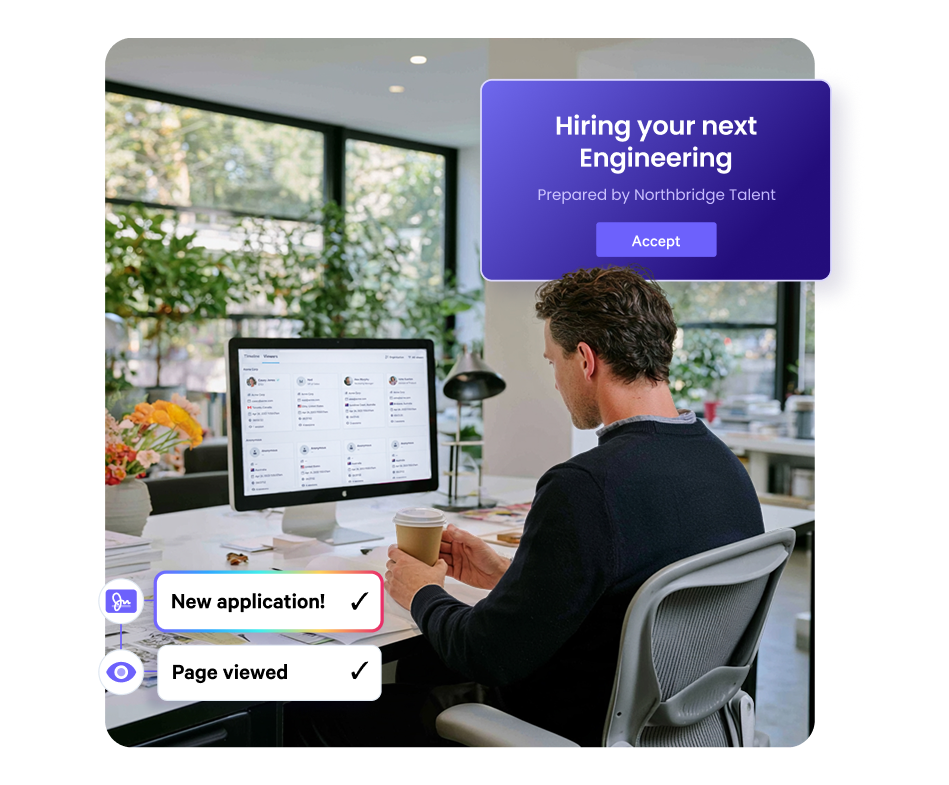
One page carries the pitch, the fee schedule and the terms of business.

Pitch while the brief is still open
Open a template, add the role, the market view and the fee, and send.
The pitch lands while the hiring manager is still deciding who to run with.

Quote contingency and retained side by side
One client might want contingency on one role, retained search on another and a rate card across a hiring programme.
Set the arrangements in the quote block and let the client choose the one that fits.

Know when the fee schedule gets read
Qwilr emails you when a client first opens the proposal and shows how long they spent on each section.
Your consultant calls with a real reason to talk.
Your fee structure, laid out the way clients compare it
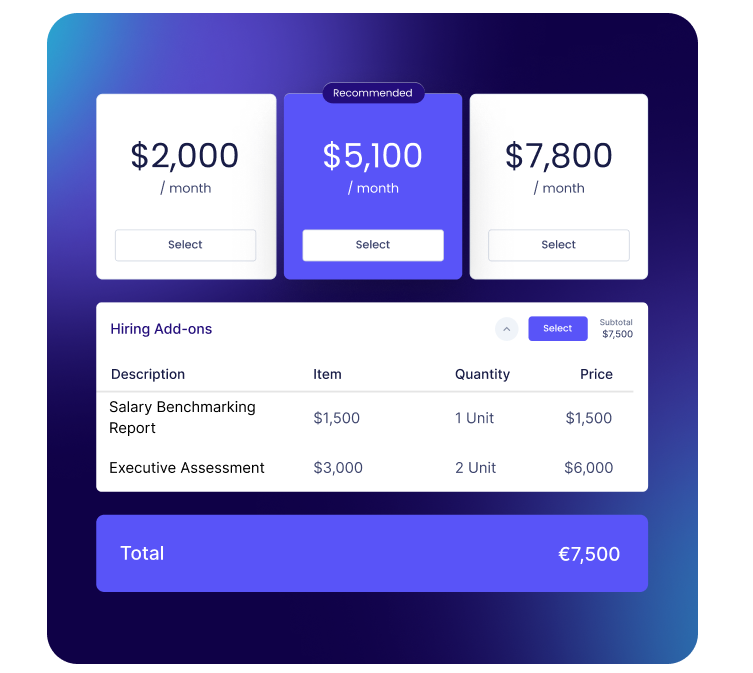
Fees move with the engagement. You might charge a percentage of the package on a permanent hire, a fixed fee on another role, a mark-up on a contractor and a monthly rate on an outsourced service.
Qwilr's quote block holds those arrangements side by side. Send one combined fee, a set of options where the client picks a single arrangement, or a list they tick on and off themselves. Extras like psychometric testing or background checks sit as optional line items, and the total updates as the client selects them.
Build the pitch once, tailor it for every client
Your methodology, consultant profiles, sector credentials and placement stories live in the content library. Consultants pull the blocks they need and spend their time on the part that is specific to the client.
Templates are managed by account admins, so the version that goes out is the version the team signed off. Individual blocks can be locked so only admins can edit them, which keeps the fee terms and the terms of business exactly as written no matter who builds the page.
See how teams work in Qwilr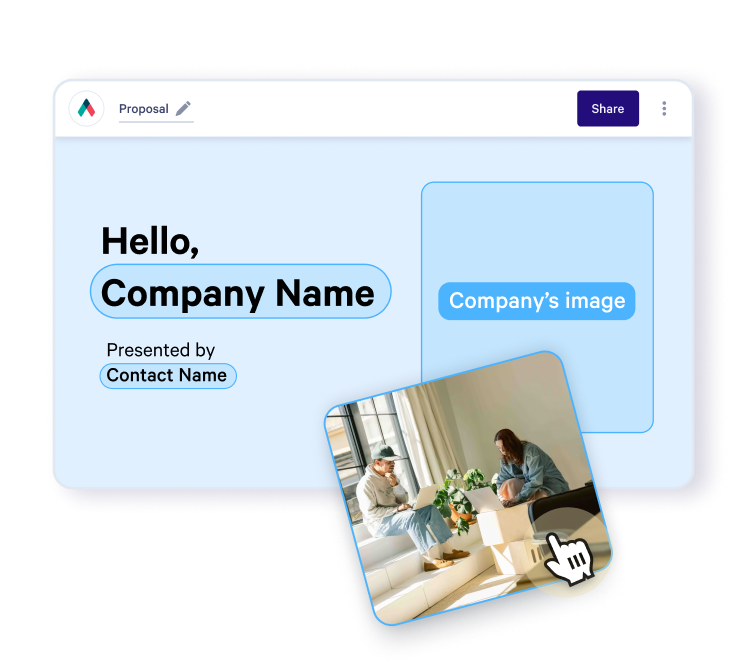
Terms of business signed in the same page as the pitch
The client reads the process, reaches the fee schedule and signs the terms of business without being sent to a separate signing tool.
Every accepted page carries an audit trail with the name, email and company of the person who accepted, and the page can't be edited afterwards. Answers from your acceptance form, such as a purchase order number, appear in the audit trail and the acceptance email.
Explore e-signatures
See which question the client is stuck on
Qwilr reports engagement block by block. A client who spent ten minutes on the fee schedule and moved straight past the timeline is asking a commercial question.
Your team gets an email the first time the client opens the page, so the follow-up happens while the decision is still live and well before the shortlist closes.

Pricing that changes with every role
Fuse Recruitment is an Australian agency of 51 to 200 people. Marketing Manager Nicole Hart moved their outbound collateral into Qwilr after their existing document could not be tailored to the client's industry.
"Our pricing is not the same for each role we recruit, so the pricing varies depending on what type of employee the client needs."
"If I see a page hasn't been opened yet, I reach out to the rep that sent it and have them follow-up with the prospect."
Nicole Hart, Marketing Manager at Fuse Recruitment
Read the Fuse Recruitment story
Connected to the CRM your BD team already lives in
Connect Qwilr to HubSpot, Salesforce, Pipedrive, Zoho CRM or Microsoft Dynamics 365, and deal data fills the proposal, so consultants don't retype client details the CRM already holds.
Add QwilrPay, powered by Stripe, when you want an upfront retainer paid inside the proposal.
View integrations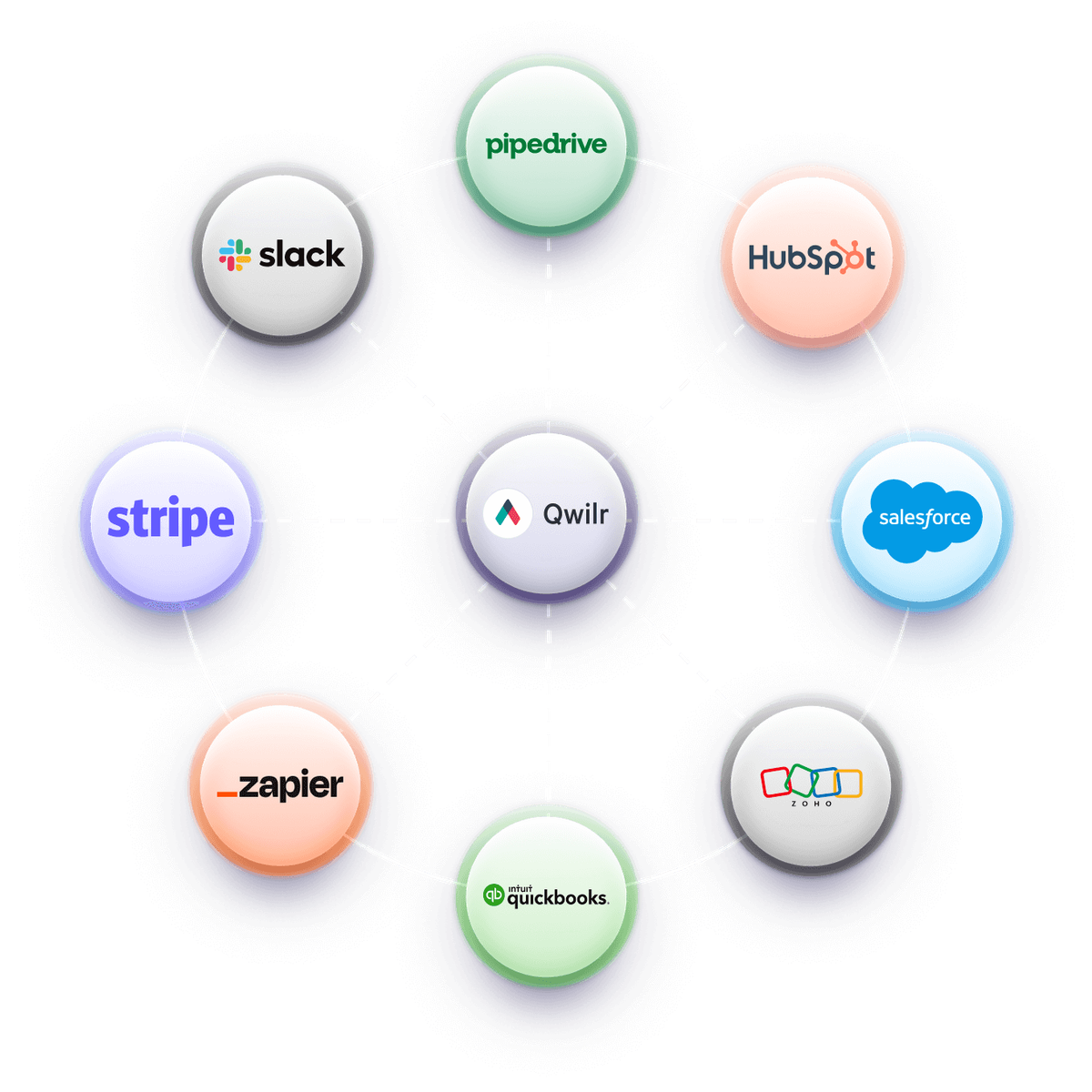
How ExtensisHR builds proposals from Salesforce
ExtensisHR replaced 30 to 40 page slide decks with proposals generated through their Salesforce integration. A rep fills in a handful of fields and picks the template, and the proposal is built from them.
"All our sales reps have to do is fill in 9 fields or so. Then select the template they need in the Qwilr module, and that's it."
Amy DeCicco, Senior Vice President, Marketing, ExtensisHR
Read the ExtensisHR story
Get started with a template
Free reusable templates for recruitment, staffing and HR services pitches
Explore proposal templates
Worth reading next
Guides from the Qwilr blog for recruitment and staffing teams.
How to write a recruitment proposal
The eight sections clients compare providers on, and what belongs in each one.
How to write a staffing proposal
Scoping contract and temporary placements, and setting rates clients can sign off.
Proposal vs contract: how to use both
Where the pitch ends and the terms of business begin, and why they belong together.
How proposal tracking lifts close rates
What engagement data tells you about a client's real objection before the follow-up call.
Questions recruitment and HR providers ask
Recruitment proposal software helps recruitment agencies, staffing firms, executive search firms and HR services providers build, send and close the pitch documents that win client accounts. Qwilr puts the process, fee schedule and terms of business in one branded page the client can read and sign. Reusable templates cover each pitch type, and every link reports how long the client spent on each section.
A recruitment proposal covers your understanding of the brief, the sourcing and screening method, the consultants assigned, a delivery timeline, the fee structure, the replacement or rebate guarantee and the terms of business. Contract staffing proposals add rate cards and timesheet handling, and executive search proposals add market mapping and a longer assessment process. The recruitment proposal guide works through each section.
Yes. The quote block can present a single combined total, a set of arrangements the client picks one of, or sections they select and deselect themselves, which suits a contingency-versus-retained comparison. Extras such as psychometric testing or background checks sit as optional line items, and quantities can carry a minimum and maximum for volume hiring. More detail is on the quotes page.
No. Qwilr does not source candidates, manage your talent pool or track placements, so your applicant tracking system keeps doing that job. Qwilr covers the client-facing pitch, fee schedule and terms of business, and connects to HubSpot, Salesforce, Pipedrive, Zoho CRM and Microsoft Dynamics 365 on the sales side. The full list is on the integrations page.
Yes. The same page structure carries all of them: permanent proposals lead with the search process and a percentage fee, staffing proposals with rate cards and mark-ups, and outsourced HR proposals with the service scope and a recurring monthly fee. Blocks are shared, so a provider running several of these keeps one content library. The staffing proposal template is a good starting point for contract and temporary work.