
A savings case finance will sign off
Show cash, loan, lease and PPA side by side, with the assumptions behind every number. Finance can check them, every party can sign, and the quote expires before prices or incentives move.
4.6 out of 5 from 936 G2 reviews
Rated on G2 for return on investment and quoting




What gets a commercial energy proposal approved
What the facilities manager, finance and the board look for before they approve a project.

Assumptions finance can check
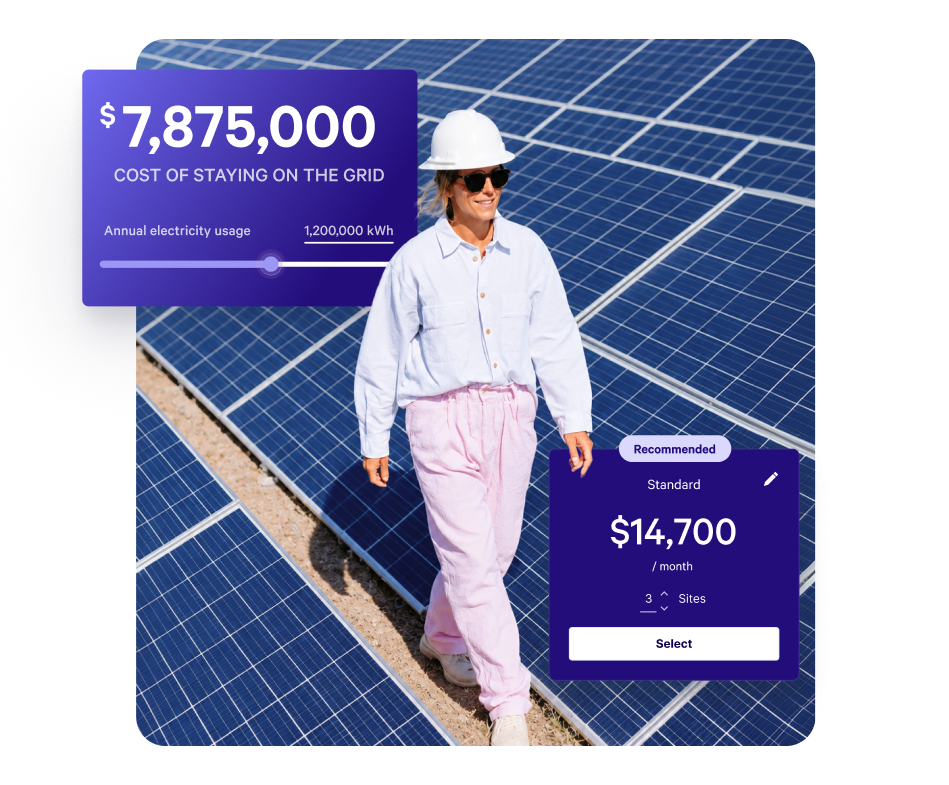
Tariff, production, escalation and degradation assumptions sit in their own locked section, so every rep sends the same basis and finance can see where the savings come from.

Every way to pay, side by side
Cash, loan, lease and PPA as options the client compares on one page, with battery storage, EV charging and monitoring as add-ons.

Owner and tenant on one link
When the landlord pays and the tenant saves, both can read the same proposal and both sign. It is only accepted once each has signed.
From design to signed project
Present the design you've already modelled
System design and production modelling stay in Aurora, OpenSolar or Energy Toolbase.
Bring the outputs into Qwilr with your standard sections on equipment, warranties, O&M and the team.
Explore the content library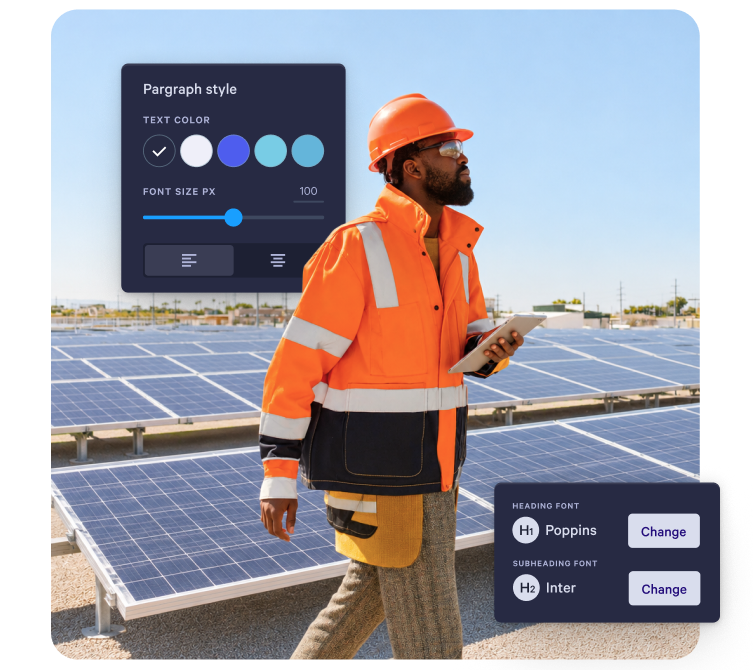
Options the client chooses between
Set cash, loan, lease and PPA as options, and show O&M or monitoring as a recurring charge beside the one-off price, so the total updates as the client picks.
Explore quotes and pricing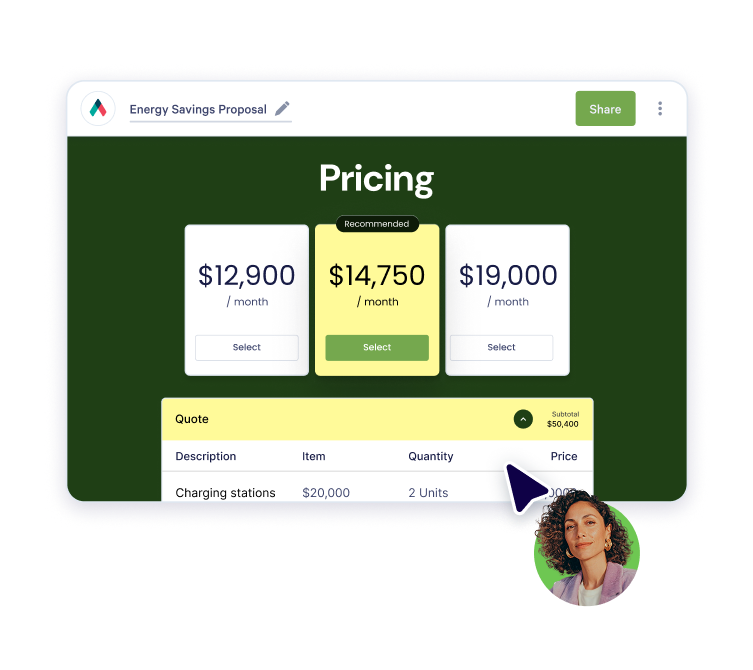
See whether the assumptions got read
Read time by section shows whether the assumptions and payback sections got attention, and Qwilr emails you the first time it is opened.
Explore buyer insights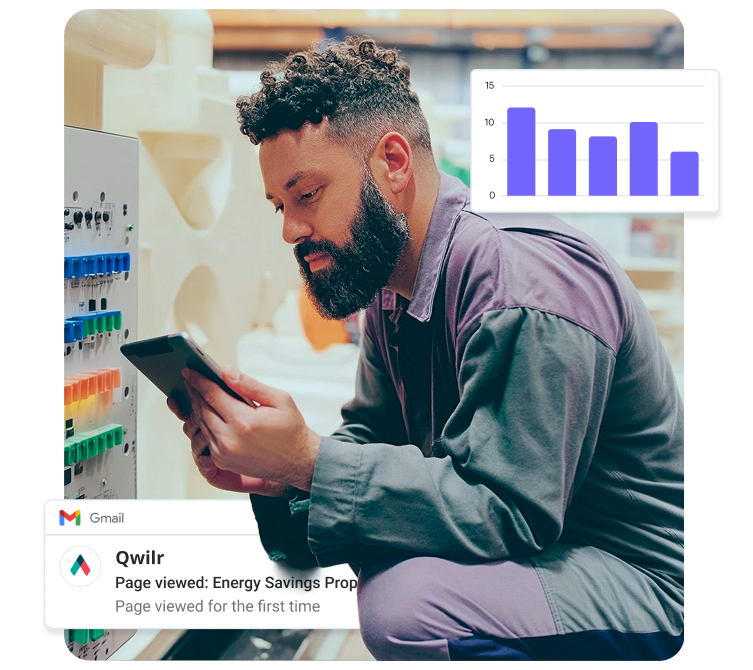
Signed before prices or incentives move
Set the link to expire after the number of days your pricing and incentive assumptions hold.
Once signed, take a deposit on acceptance if your terms ask for one.
Explore payments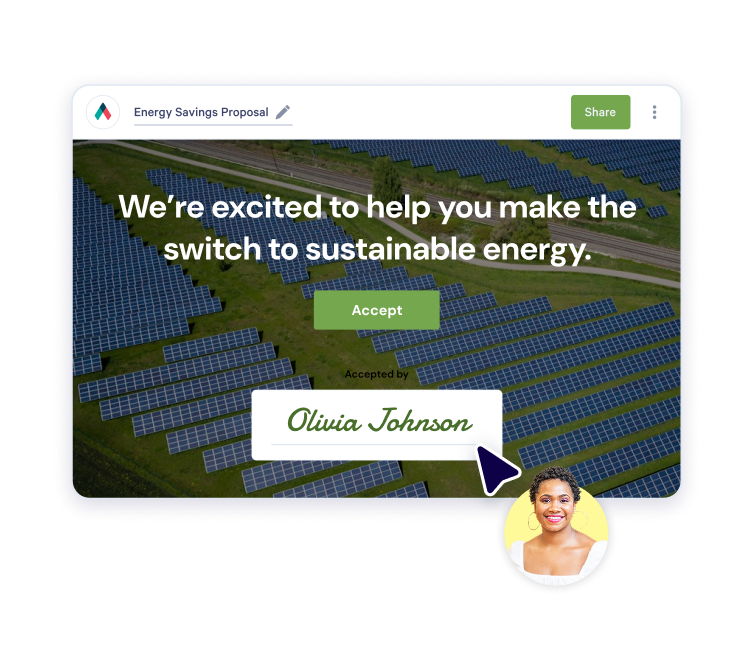
What customers say on G2
Simple to use and looks great
“The templated capabilities are fantastic and allow you to enhance proposals without having to re-invent the wheel.”

Qwilr stood out due to its simplicity and clarity
We quickly discovered that Qwilr offered us many more benefits beyond our initial need. This got us thinking about other areas of the business that would benefit from embedding the solution into their processes.

Automate the process of creating professional proposals
The finished product offers a very professional appearance to prospective clients who instantly feel like they are being courted by a capable and technically advanced agency.

We have been using Qwilr for several years and we love it
“I love the ease of creating a professional and easy-to-read proposal. It is also great to be able to update details on the proposal prior to signoff without re-submitting the whole thing and having to deal with multiple versions.”

We depend on Qwilr
Has made it much easier to create without a designer and just update from one event to the next.
Intuitive Solution, Stellar Support
“I can spin up proposals in under 5 minutes and edit them as I negotiate in real time. We have flexibility in our solutions, and Qwilr allows prospects to pick and choose options to generate a custom quote.”

The CRM updates when the project is signed
Proposals can start from the deal in HubSpot, Salesforce, Pipedrive, Zoho CRM or Microsoft Dynamics 365, and acceptance writes back to the record.
Add QwilrPay when you want the deposit collected inside the proposal. Solar design tools and project systems aren't native integrations, so they connect through the Qwilr API.
View integrations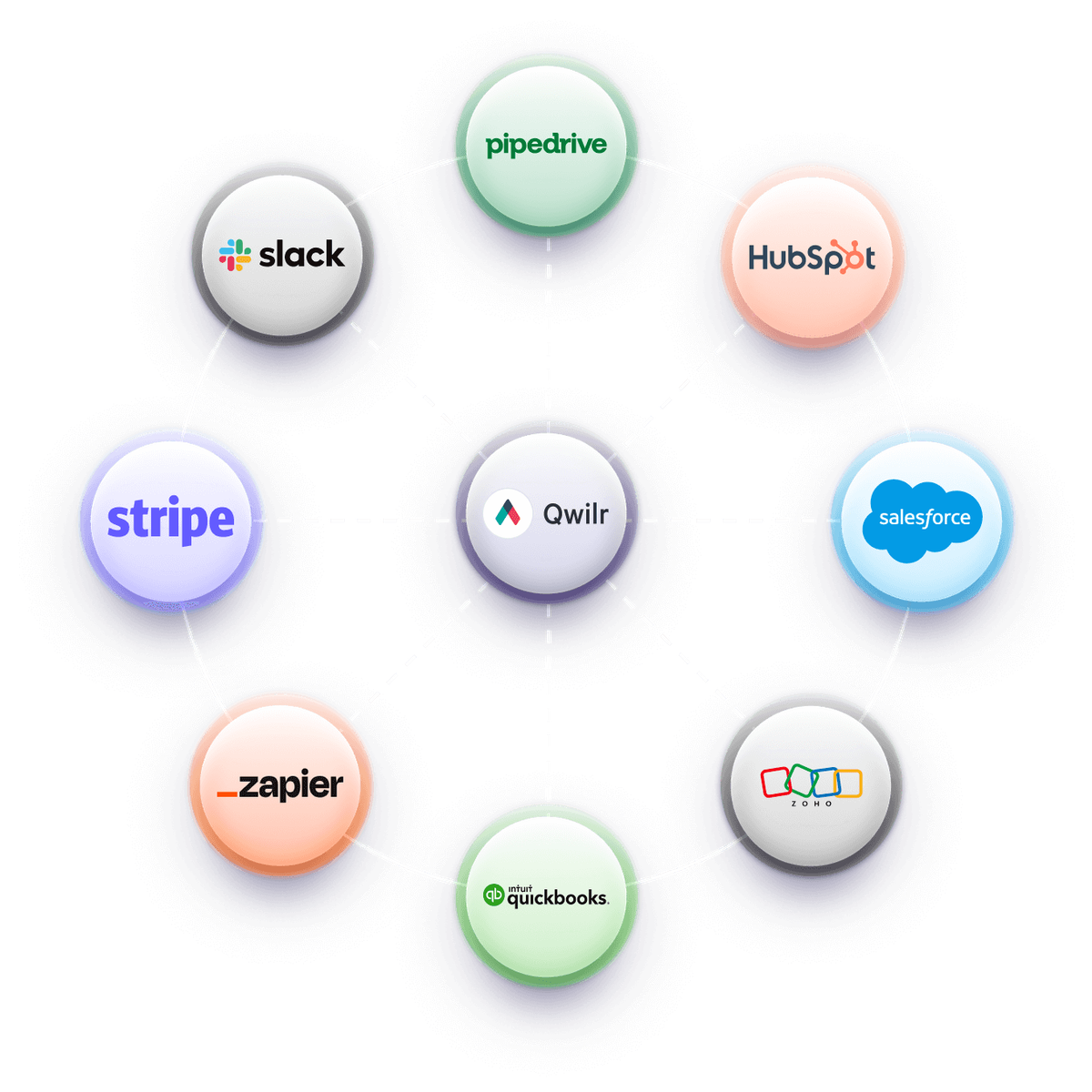
Templates to start from
Free reusable templates for commercial solar, retrofit, EPC and energy services proposals.
Browse all templates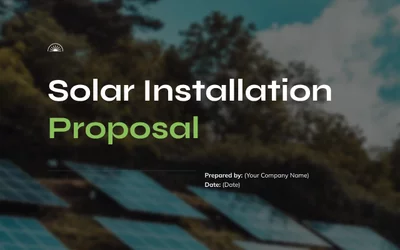

Worth reading next
Guides from the Qwilr blog for energy and renewables teams.
How to write a solar proposal
Structuring a commercial proposal so it survives the facilities manager, finance and the board.
How to write a technical proposal
Putting engineering detail in front of a buyer who is not an engineer.
How to write a bid proposal
What tender and framework responses need, and how to reuse the standing sections.

Send a quote and collect payment on acceptance
Taking the deposit when the client signs, so there's no invoice to chase afterwards.
Questions energy teams ask
It's software that commercial solar installers, EPC contractors, and energy retrofit and services companies use to present a project as a web page, with the design outputs, savings case, financing options and terms in one place. The facilities manager, finance and the board all read the same link instead of passing a PDF between them.
With Qwilr the client compares cash, loan, lease and PPA on one page, and every party signs on that link. Our guide on how to write a solar proposal covers the sections each approver looks for.
Set each as an option the client compares on the same page, with the price, the monthly cost, who owns the system and who keeps the incentives. The client picks one and signs. More on presenting complex pricing.
State the incentives you've assumed, the conditions and deadlines they depend on, and that eligibility is the client's to confirm with their adviser. Keep that wording in a locked block so every rep uses it.
Show payback, savings and the cash flow behind them, with every assumption stated next to the result it drives. Finance trusts numbers it can trace, so name the tariff, production, escalation and degradation figures you used and where each came from.
Keep that assumptions section in a locked block so every rep sends the same basis. Read time by section in page analytics then shows whether the assumptions and payback sections got attention before you follow up.
Yes. Add the landlord and the tenant as signers on the same page, and the proposal is only accepted once both have signed. That suits a project where the owner pays for the system and the tenant takes the savings, because each reads the same numbers.
Set out who pays what and how the savings are shared above the accept block, so neither side signs up to a split they haven't seen. The audit trail records the name, email and company of each signer. See how signing on the page works.
No. System design and production modelling stay in Aurora, OpenSolar, Energy Toolbase or whichever tool you already use. Qwilr presents the output alongside the financing options, the terms and your standard sections on equipment, warranties and O&M, and gets it signed.
Those design tools aren't native integrations, so linking one to Qwilr goes through the Qwilr API. The simpler start is to bring the outputs into a solar installation proposal template and keep the modelling where it is.