
- Online Brochure Template
Online Brochure Template
Introduce your business with a brochure prospects can open on any device, and see when they've read it.
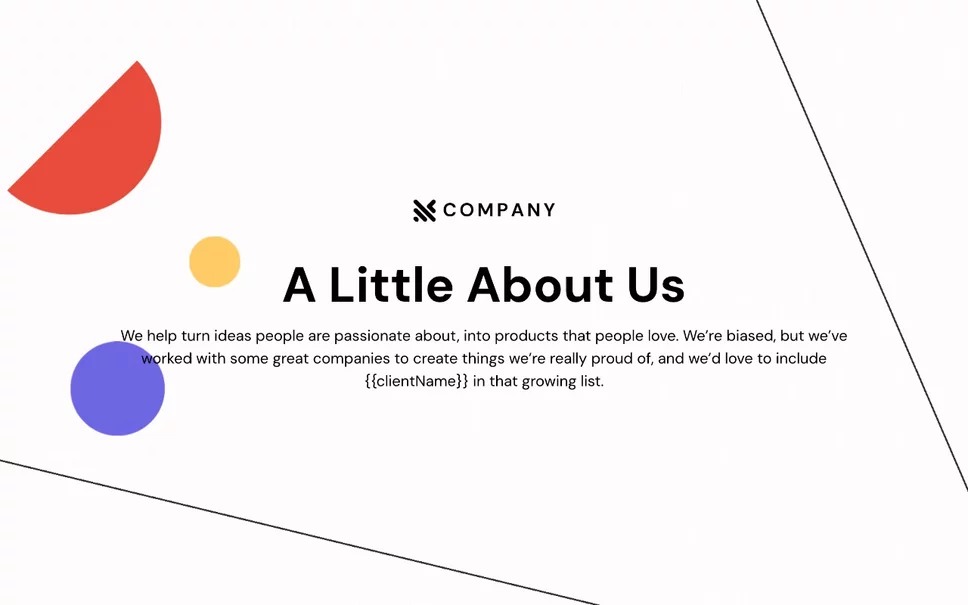
About this template
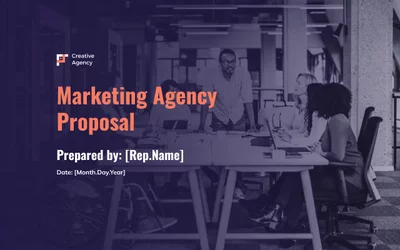
Use this template if you want to introduce your business to prospects with a brochure that works on screen. It covers an introduction to your company, what you do, from discovery and strategy to branding, design and development, a client quote, why you do it, your team and next steps, with your contact details.
The example is a creative agency, so replace the services, quote and team with your own. For industry versions, see the video production brochure and online travel brochure templates.
Want a version built around your brand and services? Qwilr's design team can create one for you. Talk to our team
What's included?
- About us
- What we do
- Client quote
- Why we do it
- Our team
- Next steps
Why businesses use online brochures
A PDF brochure is easy to send and impossible to follow. An online brochure reads well on any device, can include video and links, and can be updated without resending. With Qwilr analytics, you can also see when a prospect opens it and which sections they read.
Rated a Leader for proposal software on G2



Why Qwilr?
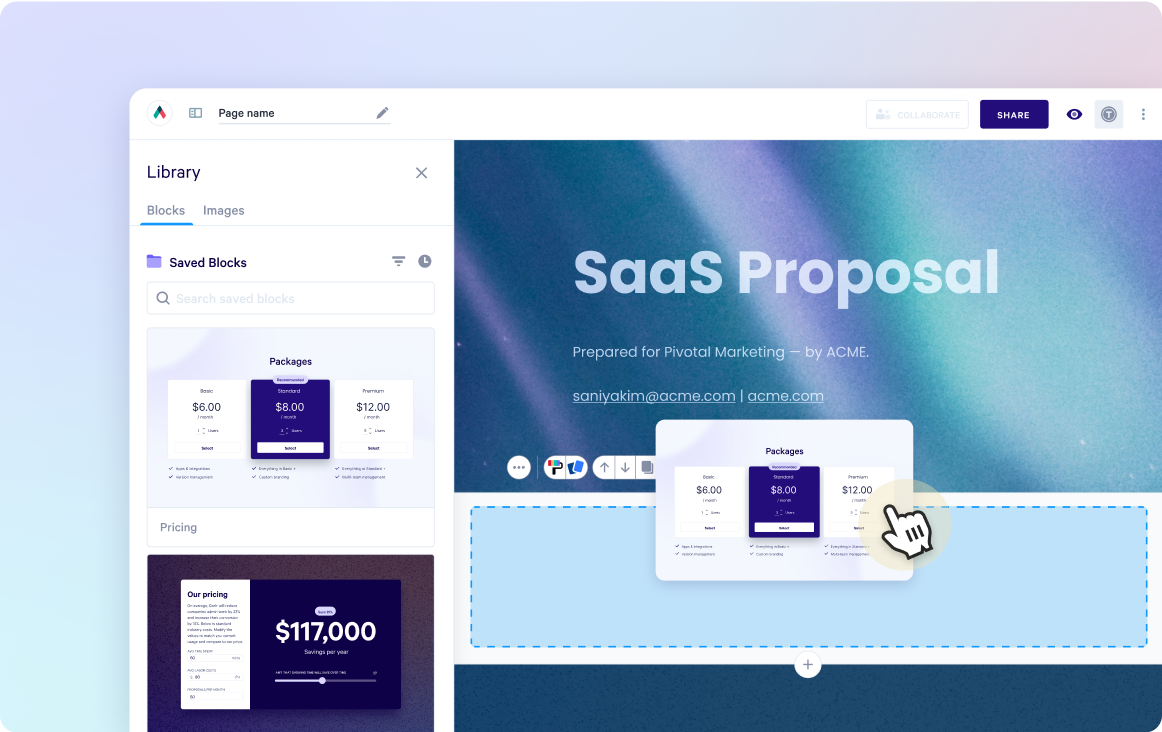
Design interactive proposals
Impress buyers with interactive proposals that stand out. Qwilr’s drag-and-drop editor makes it easy to create on-brand, stunning collateral — no design skills needed. Add videos, dynamic pricing, and ROI calculators to deliver a unique experience, while automated brand customizations ensure every proposal looks professional.
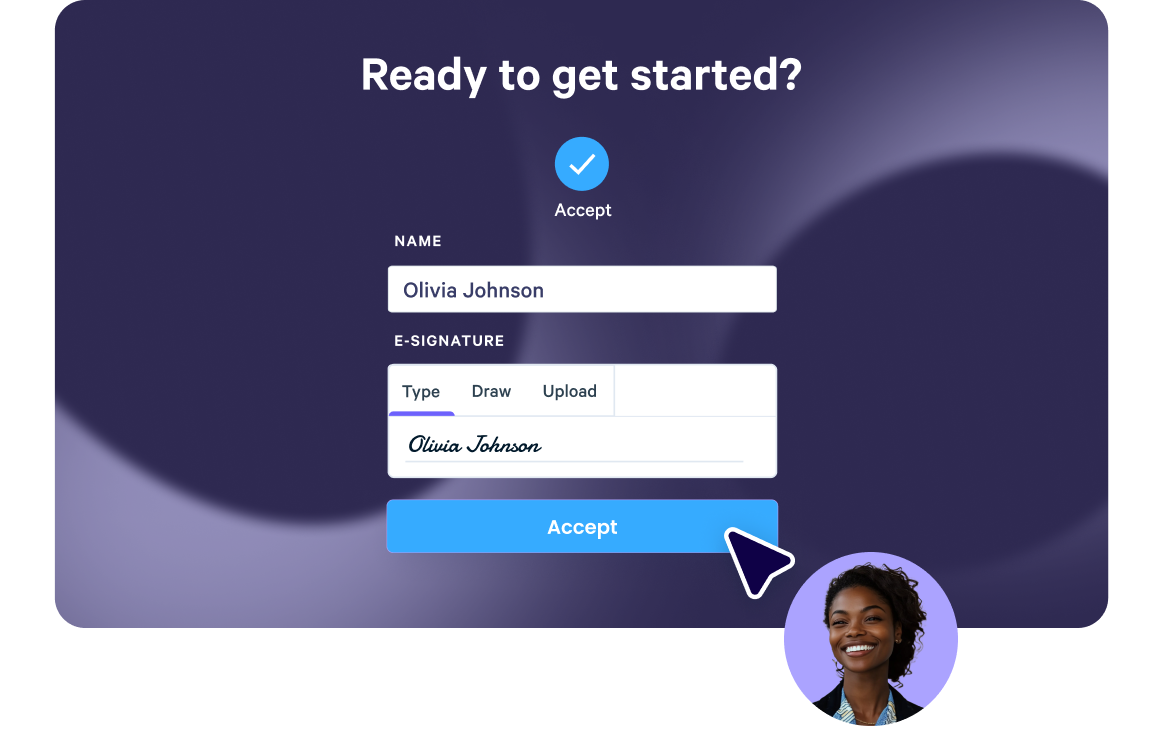
Built-in e-sign functionality
Combine stunning proposals, plain-text agreements, and secure e-signatures in one tool. Add print-friendly agreements alongside dynamic content and collect legally compliant e-signatures with ease. Track progress, capture multiple signatures, and close deals faster with Qwilr’s integrated e-sign functionality.
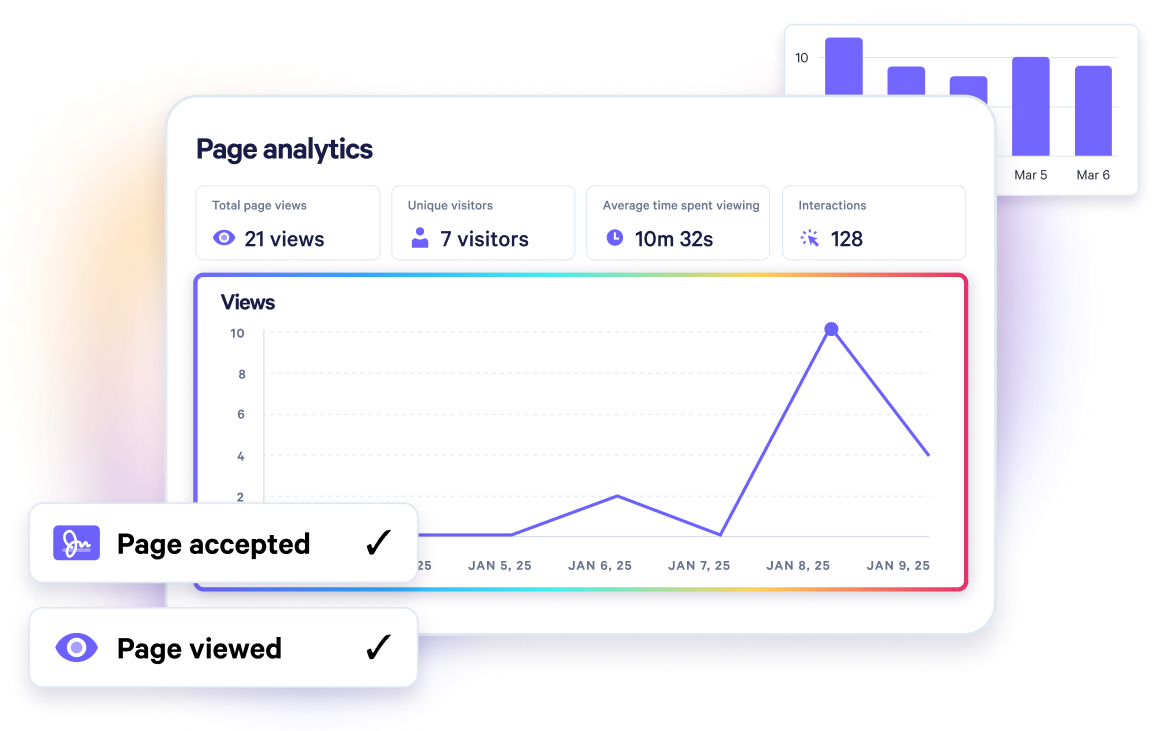
Real-time proposal analytics
Qwilr’s analytics provide full visibility into buyer engagement. Track when proposals are opened, signed, or shared, and get instant notifications for key buyer activities. See what buyers click on, how they engage, and prioritize follow-ups based on real-time insights—all designed to help close deals faster.
Templates for every use case
Explore templates for sales, marketing, customer success and more, or see how Qwilr works for your industry.
Explore online brochure templates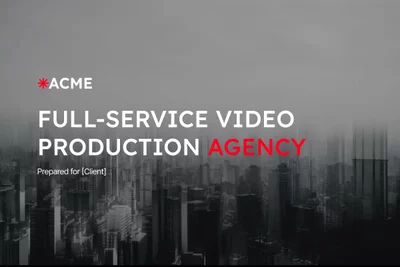

Frequently asked questions
A short introduction to your business, the services you offer, proof such as client quotes, results or logos, your team, what makes you different and a clear next step, such as booking a call. Keep it focused on what the reader needs to decide whether to talk to you.
A website speaks to everyone. An online brochure is sent to a specific prospect, can be tailored to them and shows you when it's been read. It's shorter and more focused than a website, and works well as a follow-up after a first conversation.
An online page is usually better for sending to prospects. It adapts to phones, can include video and links, and can be updated without sending a new file. A PDF still suits print, but you can't see whether it's been opened or which parts were read.
Short enough to read in a few minutes: an introduction, your main services, some proof and a next step. Link to detail, such as case studies, rather than putting everything in. Most prospects are deciding whether to have a conversation, not making a final choice.
Whenever something a prospect would care about changes, such as new services, team members, prices or a strong new client result, and review it at least once a year. With an online brochure, changes appear for everyone who has the link, so nobody is left reading an out-of-date version.
Send it after a first call or to a warm lead, tailored to their needs, and follow up based on what they read. Use it to introduce your business, then move to a proposal once you know their requirements. A case study can support it for prospects who need proof.