
Every tradie quotes like your best one
Give every tradie on the road the same approved quote, whether that's five people or a network of hundreds. The customer compares good, better and best options, signs and pays the deposit from one link, even after the tradie has left.
4.6 out of 5 from 936 G2 reviews

Quick to set up, with support G2 users rate highly




When the quote leaves with the customer

The other decision-maker can sign too
When a partner wasn't at the visit, send them the same link. Both can read the options, and the quote is accepted once both have signed.

Good, better, best without three quotes
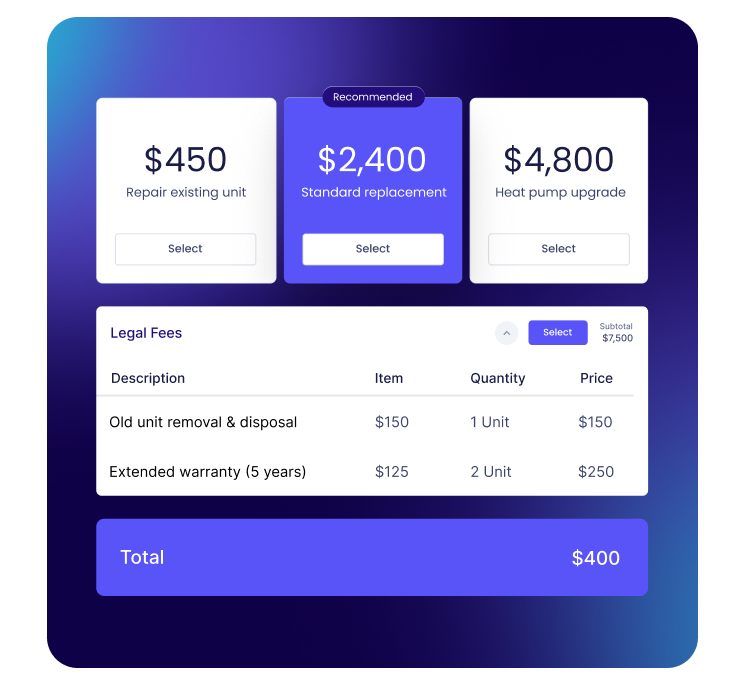
Put the options side by side and let them pick one, with extras like a maintenance plan they can tick on. The total updates as they choose.

The deposit comes in with the signature
Take a flat amount or a percentage when they accept, by card, Apple Pay, Google Pay or bank debit. A flat amount helps where deposits are capped.
From the home visit to a booked job
One approved quote for every tradie
Head office sets up the quote template once, with your options, prices, warranty and exclusions. Every tradie in the network quotes from it, so a customer in one suburb gets the same quality of quote as a customer in another.
Only admins create and edit templates, and locked blocks keep warranty terms and exclusions exactly as approved. Tradies change the figures for the job in front of them, and nothing else.

See whether they came back to it
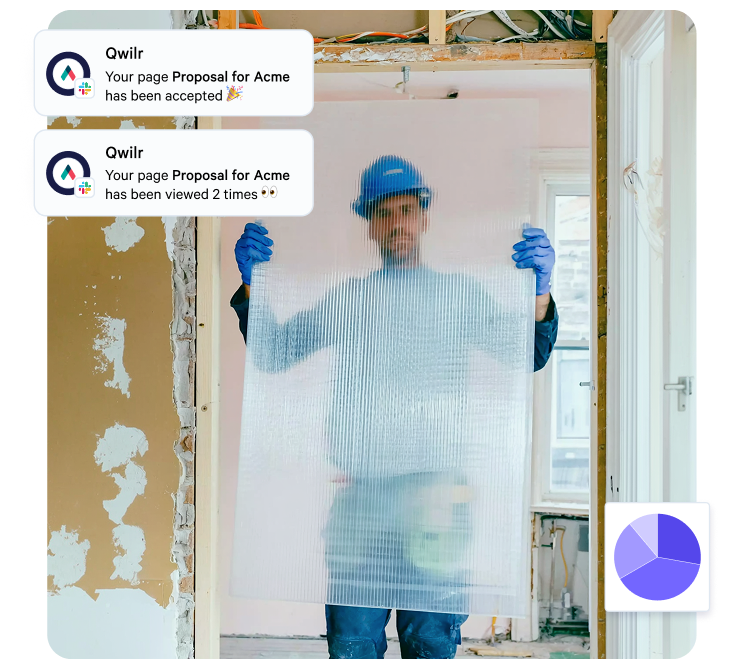
Qwilr emails you the first time the quote is opened and shows which options they spent time on.
If the better option got most of the attention, that is where the follow-up call starts.
Quotes that expire when material costs do
Set the link to expire after the number of days your price holds, so a quote priced on this month's materials isn't accepted at that price months later. Our guide on how to send a quote to a client covers validity in more detail.
Signed, deposit paid, install details captured
Acceptance form fields collect the install window and access notes, so the office has them before anyone calls.
The accepted quote locks, and any change in scope goes out as its own page with its own signature.

Works alongside your field service software
ServiceTitan, Jobber or Housecall Pro can keep running scheduling, dispatch and invoicing. Qwilr is for the quotes that need to sell: replacements, bigger projects and commercial work.
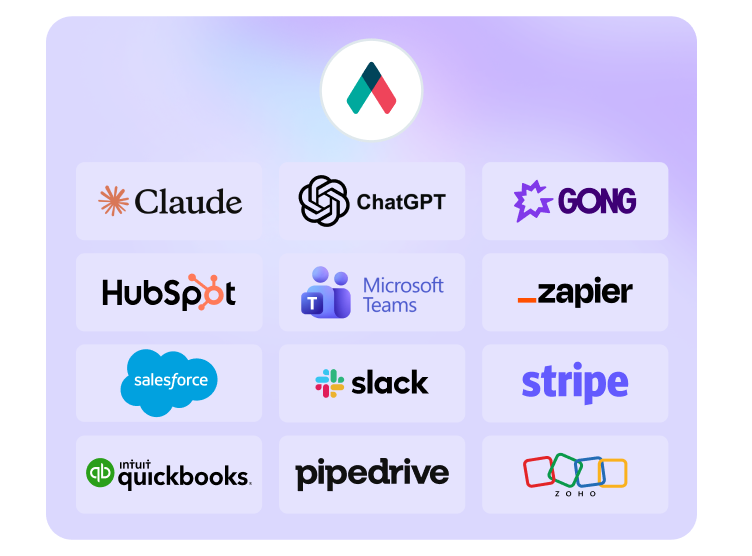
Qwilr doesn't connect to those tools directly. Zapier or the API can pass details between them where your tool supports it. If you run HubSpot, Salesforce, Pipedrive, Zoho CRM or Microsoft Dynamics 365, quotes can start from the deal.
If you sell commercial solar with a savings case, see proposal software for energy and renewables.
Start with a trade quote template
Free to use. Take them apart and build your own.
Browse all templates


How The Pinched Pleat gets deposits the same day
The Pinched Pleat is an interior design studio in Indiana making custom window treatments and drapery. No material is ordered until the client's deposit clears, so every project waits on it.
Before QwilrPay, a signed proposal was followed by a separate invoice and payment link, and the deposit took two to five business days to arrive. Now the client pays as they accept, and the money settles the same day.
"Now that we get same-day transfers from Stripe when our clients pay through Qwilr, we've gained that two to five days."
Dana Newsom, Owner & Principal at The Pinched Pleat
Read the Pinched Pleat story
Questions trade businesses ask
Proposal software turns the quote you write after a site visit into a web page the customer opens from one link, instead of a PDF attached to an email. HVAC, electrical, plumbing and roofing businesses use it for the jobs that need selling, like a system replacement or a full rewire, where the customer is weighing options and probably has other quotes on the table.
In Qwilr the customer compares your options, picks one, signs and pays the deposit on the same page. You get an email the first time they open it and can see how long they spent on each option, so you know whether the follow-up call is about price or about which option to pick. You can start from one of our quote templates.
Build three versions of the same job that differ in the one or two things the customer cares about, such as efficiency, warranty length or what's included in the install. Keep everything else identical so the comparison is easy, and say in a sentence which option you'd recommend and why.
In Qwilr each option is a package and the customer picks one. Extras like a maintenance plan or a smart thermostat sit beside them as optional items they can tick on, and the total updates as they choose. Our guide to tiered pricing covers how to set the gaps between the options.
It depends on the job and where you work. Some states and countries cap the deposit a contractor can take on residential or home improvement work, either as a percentage of the contract or as a fixed amount, so check the rule where the job is before you set yours. Where there's no cap, a common approach is to size the deposit to cover the materials you have to order before the job starts.
QwilrPay takes the deposit when the customer accepts, as a flat amount or a percentage of the total, by card, Apple Pay, Google Pay or bank debit. A flat amount is the simpler way to stay under a cap.
Yes. Add both as signers and send them the same link, so the partner who missed the visit sees exactly what was quoted rather than a summary passed on over dinner.
Each person signs on the page, and the quote only counts as accepted once both have signed. After that the page locks, so the price and scope can't be changed, deleted or reversed, and the audit trail records the name and email of each person who signed. More on how e-signatures work in Qwilr.
Set the standard once in a template and control who can change what. Only admins create and edit templates, and they choose per template who can use it and who can also edit it.
Admins can lock blocks such as warranty terms, exclusions and payment terms, so a tradie fills in the job details and figures but can't rewrite the rest. Wording you use everywhere, like your workmanship guarantee, lives as a saved block. When you update it, new quotes pick up the change and quotes already sent stay as they were. This works the same for a team of five or a franchise network of hundreds. See how team permissions work.
Yes, alongside them rather than instead of them. Those tools run scheduling, dispatch and invoicing, and most of them can produce a basic quote too. Qwilr is for the quotes that have to sell: a replacement with three options, a bigger renovation, or a commercial job going to a property manager.
There's no native integration with ServiceTitan, Jobber or Housecall Pro, so the office enters the accepted job into your field service tool, or you connect the two with Zapier where the tool supports it. Details the customer gives in the acceptance form, like their preferred install window and access notes, arrive in the acceptance email ready to enter. Qwilr does connect natively to HubSpot, Salesforce, Pipedrive, Zoho CRM and Microsoft Dynamics 365. See all integrations.