
Win the bid and keep the scope you priced
Send bids as one live link instead of rev 4.pdf. Every estimator uses the same exclusions and terms, you can see whether the client read them, and the accepted version stays on record.
4.6 out of 5 from 936 G2 reviews

Quick to roll out to estimators, easy for admins to run




Where bids go wrong, and what changes

Exclusions the client reads
Exclusions and qualifications get their own section instead of sitting on page nine of a PDF. Read time by section shows whether the client spent time there before award.

Every estimator sends the same terms
When each estimator writes their own exclusions, every bid reads differently and the gaps surface after award. Lock the exclusions, qualifications and payment terms so only an admin can change them.

One live version of the bid
Revise the bid before it is accepted and everyone with the link sees the current version. Once accepted it locks, so there is one record of the scope the client agreed to.
From bid day to award
Build from your standard sections
Your capability statement, safety record, insurance and past projects are saved blocks, so estimators pull them in rather than rewriting them.
The price still comes from your estimating and takeoff software. Enter the figures and the quote block handles subtotals and tax.
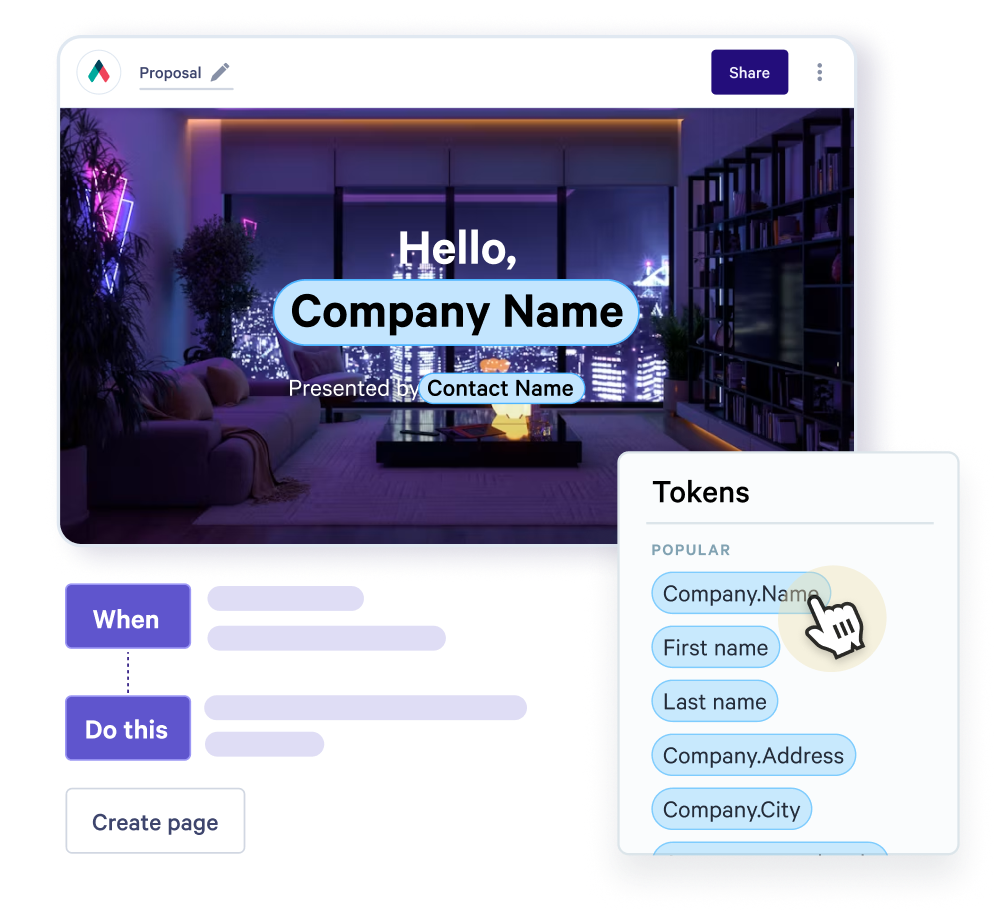
Base bid, alternates and how long the price holds
Show the base bid as fixed and add alternates as optional items the client can add. Unit-price items can take a quantity range, and the total follows.
If the price rests on current material costs, set the link to expire after the number of days your bid is valid.

Check the exclusions were read
Qwilr emails you the first time the bid is opened and shows the time spent on each section.
If nobody has looked at the exclusions, call while the client is still comparing bids rather than after award.

A record of the scope they accepted
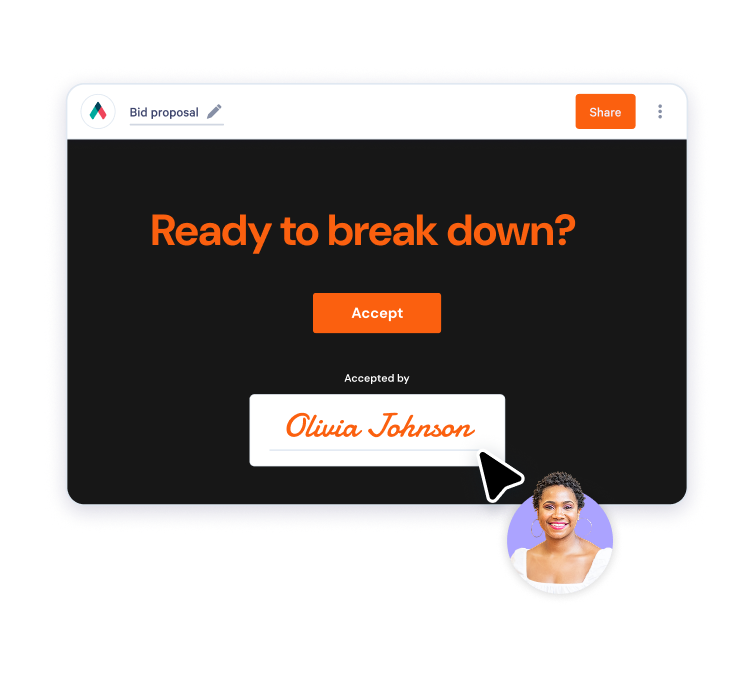
The owner and their representative can both sign on the page. Once accepted the bid locks, and the audit trail keeps each signer's name, email and company.
Keep the link to the accepted page with the contract so your exclusions go with it. Variations go out as their own page with their own signature.
Where Qwilr fits in your bid process
Estimating, takeoff and project management stay where they are. Qwilr is the bid the client reads and the acceptance that follows.
It suits negotiated private work and design-build you send straight to owners and developers. When a GC or public body requires their own bid portal, submit there and include your Qwilr link.
Bids can start from the deal in HubSpot, Salesforce, Pipedrive, Zoho CRM or Microsoft Dynamics 365. For smaller residential jobs, see proposal software for trade businesses.


Questions contractors ask
Construction proposal software turns the bid you send into a web page the client opens from one link. Contractors and civil engineering firms use it to put scope, exclusions, pricing and terms in one place the client can read, compare and sign.
You can see which sections the client read and for how long, so you know before award whether anyone spent time on the exclusions. More on proposal analytics.
Give them their own section straight after the scope. List what is excluded, the assumptions behind the price and any clarifications in plain language. Our guide to writing a bid proposal covers the full structure.
Long enough for the client to decide, short enough that material prices have not moved underneath you. State the validity period in the bid and set the link to expire after that many days. Our guide on how to send a quote to a client covers validity in more detail.
Yes, alongside it. Submit through their portal as required and include your Qwilr link. Qwilr is most useful for negotiated and design-build work you send directly to owners and developers.
Keep the portal submission and the Qwilr page on the same numbers and exclusions, so there is only one version of the bid. If the reviewer opens the link, you get an email the first time it's viewed, which tells you the bid is being looked at. More on proposal analytics.
Yes. Items from a bill of quantities go into the quote block with their unit rate. Where the client sets the amount, such as metres of pipe, give the line a minimum and maximum and the total updates. Start from the construction proposal template.