

Tired of AI-generated content looking and sounding like it came from a different company, depending on which of your reps is prompting it?
Or pasting your brand voice into every prompt, every single time?
AI helps your team work faster, but it can also mean losing control of your brand or how your team sells.
We built AI Context to solve this.
It’s simple: you provide foundational instructions once, and they’re automatically applied every time your team uses AI in Qwilr.
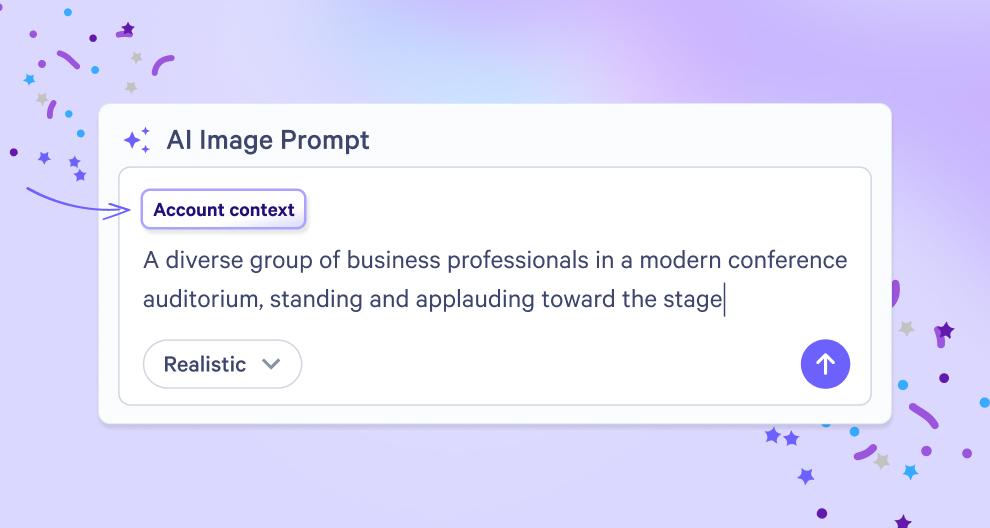
Consistent AI content
AI Context is a set of shared instructions that sits behind Qwilr’s AI, helping you get your AI content closer to what you actually want.
We recommend including the kind of guidelines that you’d normally have to explain in a prompt in order to keep your AI content on-brand and on-book.
This might include…
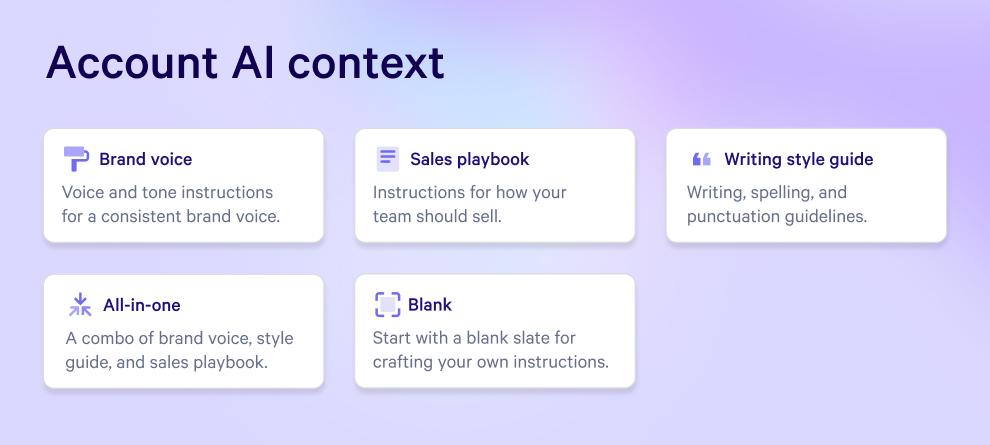
- Your brand voice and tone
- Your sales playbook and key messaging
- Your writing style guide
- A combination of the above
After that, you only need to prompt AI for the task at hand.
For example, let’s say you set up your AI Context with your brand voice.
Then, when someone on your team tells AI “Write an exec summary for this deal based on the call transcript”, the executive summary comes out in your brand voice automatically.
There’s no need for extra instructions and AI-generated content is consistent across your team, regardless of who is prompting it.
Applied to all your AI in Qwilr
Your AI Context applies when you are:
- Generating AI images
- Creating pages with AI
- Using AI to prefill variables (Scale plan only)
Why it matters
- You stay in control. You set the guidelines that shape AI output, so your team’s content doesn’t break your brand rules or going against your playbook.
- Every proposal sounds like one team. Proposals, messaging and images stay consistent across reps, regions and deals.
- Your team moves at speed. Without needing to add AI guidelines to each prompt, your team is able to create on-brand proposals faster.
- Less editing before it goes out. First drafts land closer to on-brand, so reps spend less time fixing AI content.
Getting started
- In your Account settings, go to Account AI Context
- Choose a preset (like Brand voice) to start with, or pick Blank to write your own
- Click Save
- You’re good to go! Every AI feature will now use these automatically.
Your team can move fast with AI without going off-brand or off-book.
Check out these help docs, or chat to our team if you’d like a hand getting started.
About the author

Guy Hall|Head of Product Marketing at Qwilr
Guy leads product marketing at Qwilr – tackling things like positioning, messaging, sales enablement and more. Guy has a background in content and communications, and has worked across a variety of industries including tourism, telecoms and tech.