
All product updates
NEW: Set your AI guidelines once, and keep your team on-brand and on-book
October 2026
Tired of AI-generated content looking and sounding like it came from a different company, depending on which of your reps is prompting it?
Or pasting your brand voice into every prompt?
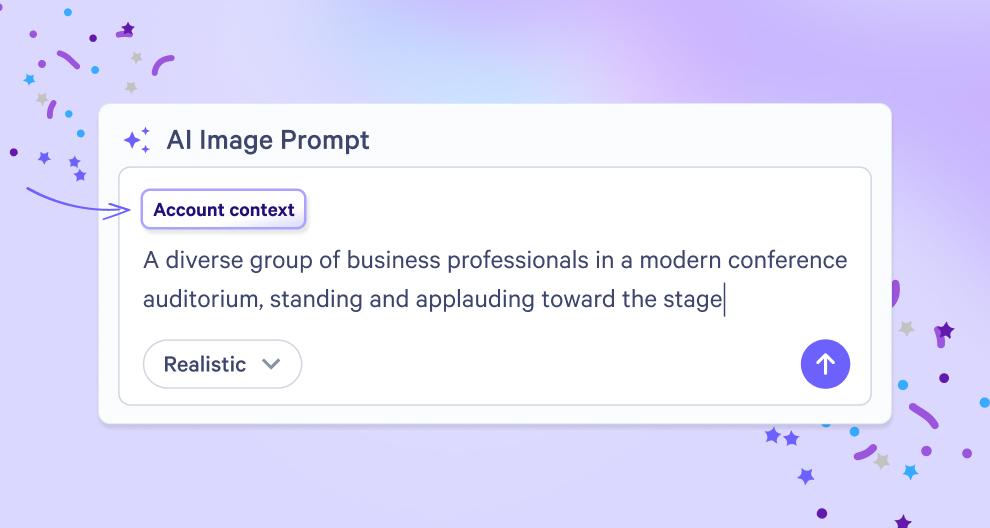
AI Context lets you set your guidelines once, and have them apply automatically whenever your team uses AI in Qwilr.
What’s new?
AI Context is a set of shared instructions — like your brand voice or your sales playbook — that sit behind Qwilr’s AI.
They’re applied automatically to your team’s AI-generated content, regardless of who’s behind the prompt.
These instructions apply automatically when you:
- Generate AI images
- Create pages with AI
- Prefill variables with AI (Scale plan only, via the Smart Proposal Engine)
Why this matters
- You stay in control. Your team’s AI content stays on-brand and on-book.
- Every proposal sounds like one team, across reps, regions and deals.
- Your team moves faster. No need to add guidelines to every prompt.
- There’s less editing. First drafts land closer to on-brand, so reps spend less time fixing them.
Check out these help docs, or get in touch with our Support Team, if you need a hand.