
- Quote Template
Quote Template
Provide accurate estimates with our professional Quote Template – ensure clarity, transparency, and trustworthiness with every prospect.
About this template
Ensure client satisfaction with our interactive quote template. Designed for precision and professionalism, this template enables your team to generate detailed, clear, and transparent quotes in just minutes.
Present reliable and trustworthy estimates that accurately reflect the scope of work, costs, and timelines, ultimately fostering strong client relationships and driving business growth.
What's included?
- Introduction
- Pricing quote
- Client testimonial
- Contact us
- Terms and conditions
Included in our quote template
Package summary
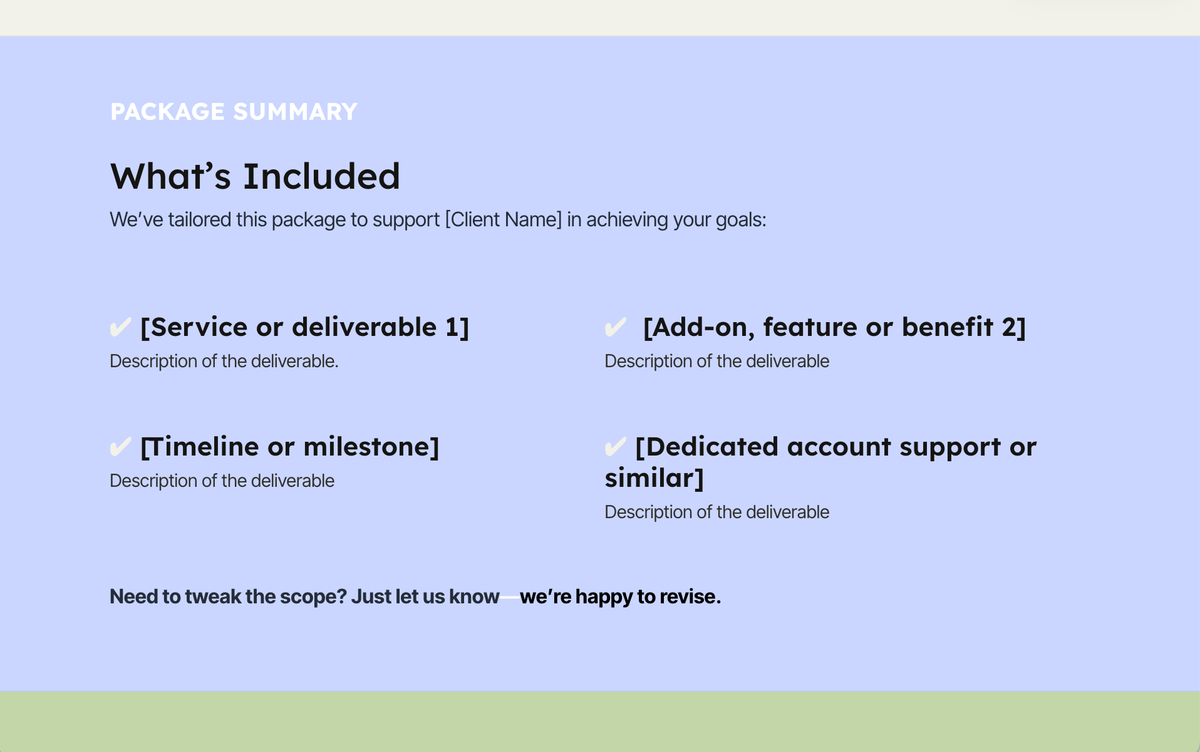
A strong package summary helps buyers quickly understand what they’re getting and why it matters before they ever reach the price. The template includes pre-written prompts for outlining deliverables, timelines, and outcomes in a clear, scannable format that’s easy to customize for each client. By setting expectations upfront, this section reduces confusion, builds confidence, and creates momentum toward approval.
Dynamic quote block
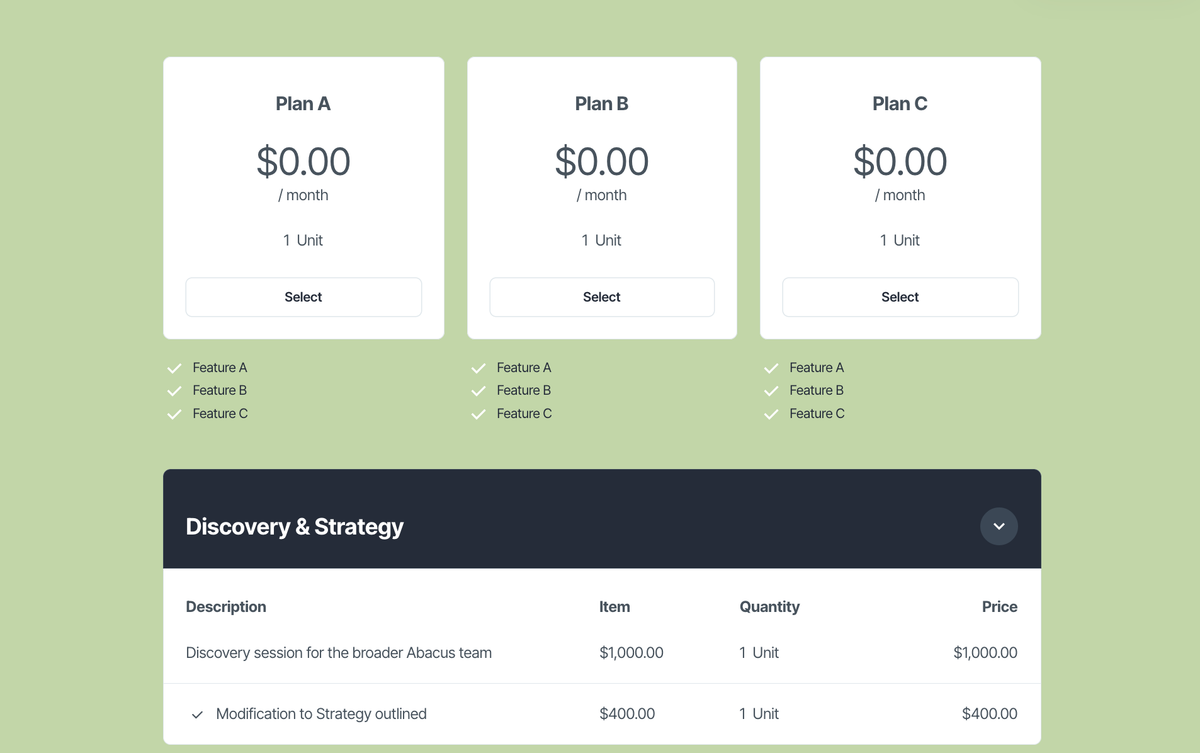
Interactive pricing is handled through Qwilr’s dynamic quote block, which updates totals in real time as quantities, add-ons, discounts, or taxes change. The template is designed to support flexible pricing models while giving clients transparency and control over what they’re selecting. This reduces back-and-forth, shortens the sales cycle, and helps prospects feel comfortable committing without needing additional clarification.
FAQ section
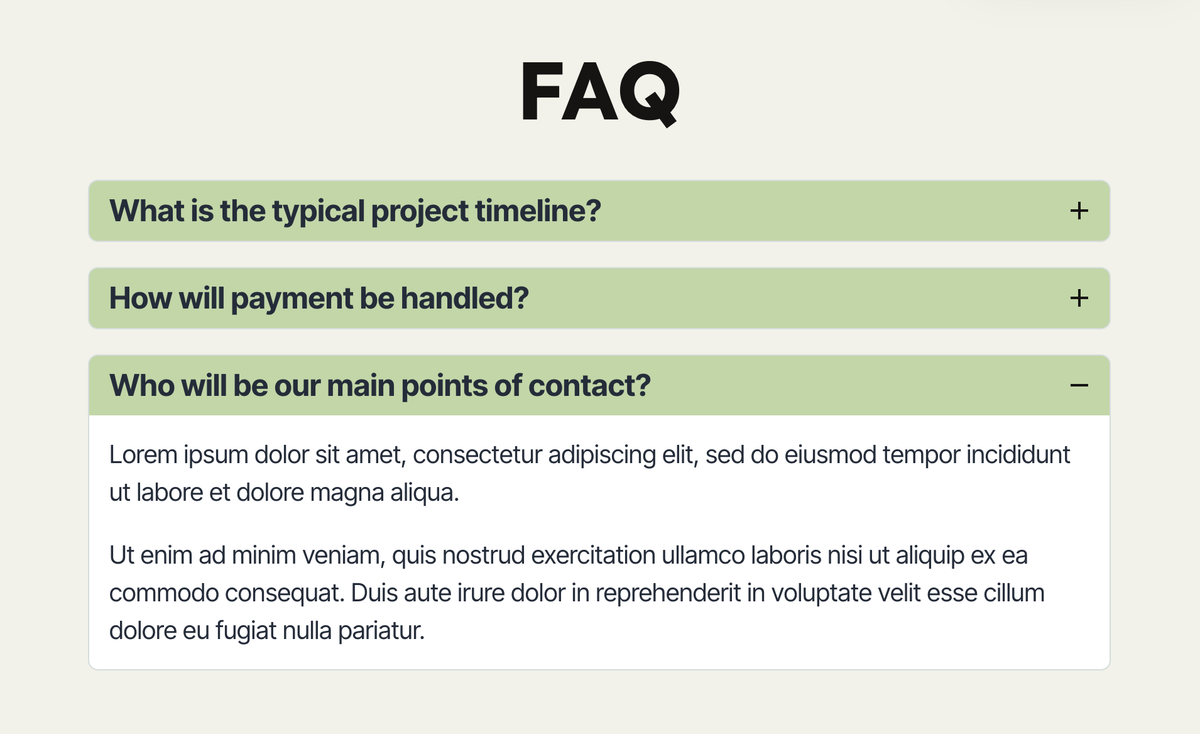
Common questions around pricing, scope, and next steps are addressed proactively with a built-in FAQ layout that sellers can quickly tailor to their offering. By answering objections before they’re raised, this section helps keep deals moving and minimizes delays caused by follow-up emails or calls. The result is a smoother buying experience and fewer blockers between review and approval.
Formal agreement and e-sign
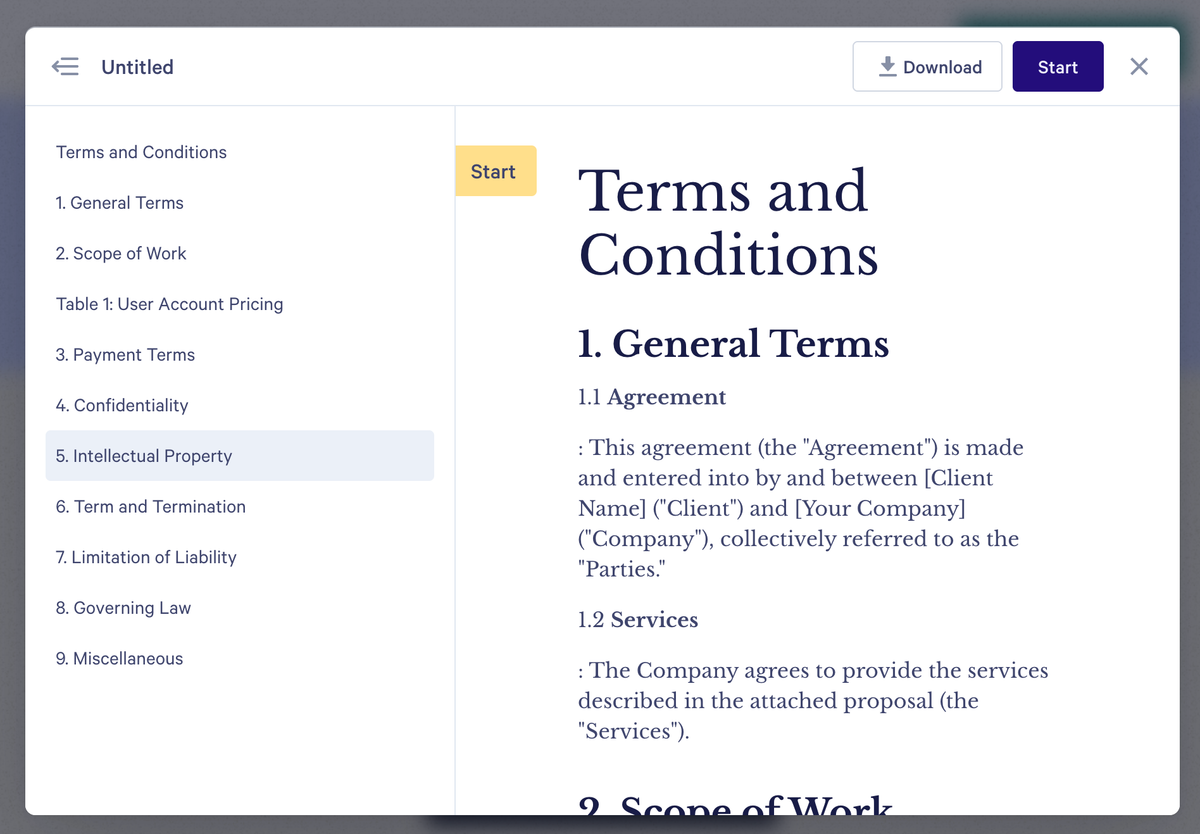
Closing the deal happens seamlessly with a customizable agreement and built-in acceptance flow that turns the quote into a signed contract. The template includes pre-written agreement language alongside Qwilr’s e-signature and acceptance tracking, allowing clients to approve instantly within the document. Once accepted, both parties have a clear, legally binding record without any manual paperwork or external tools.
Why Qwilr?
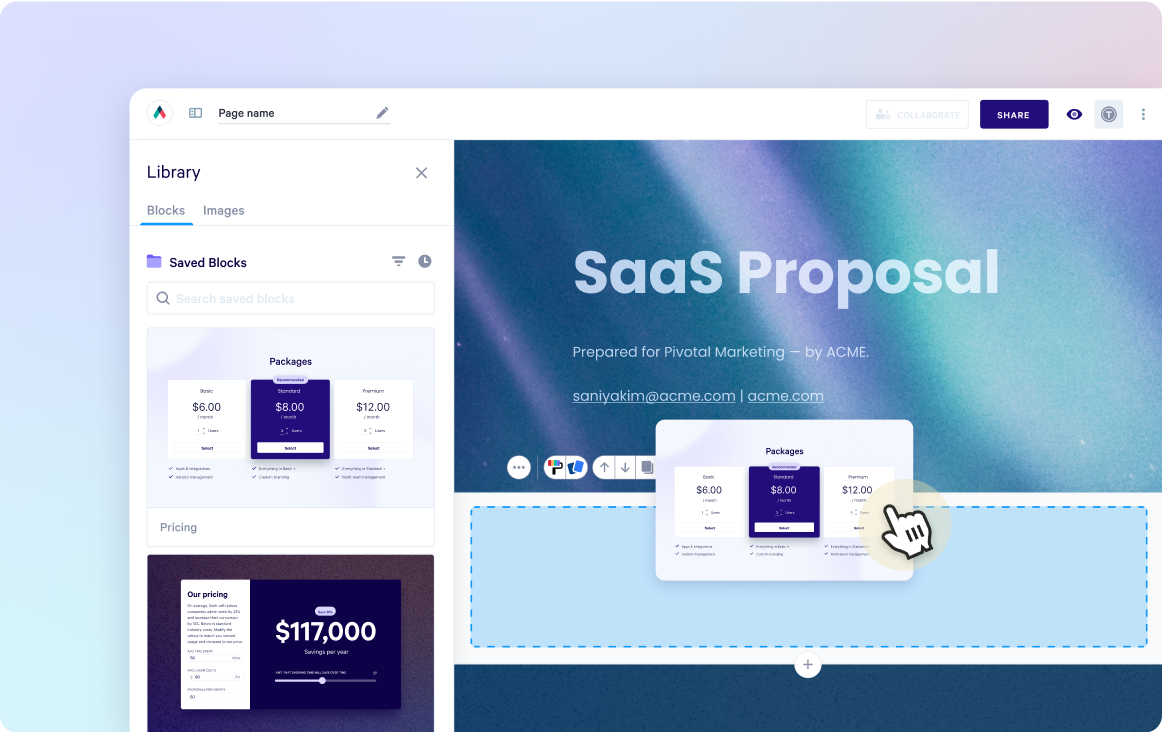
Design interactive proposals
Impress buyers with interactive proposals that stand out. Qwilr’s drag-and-drop editor makes it easy to create on-brand, stunning collateral — no design skills needed. Add videos, dynamic pricing, and ROI calculators to deliver a unique experience, while automated brand customizations ensure every proposal looks professional.
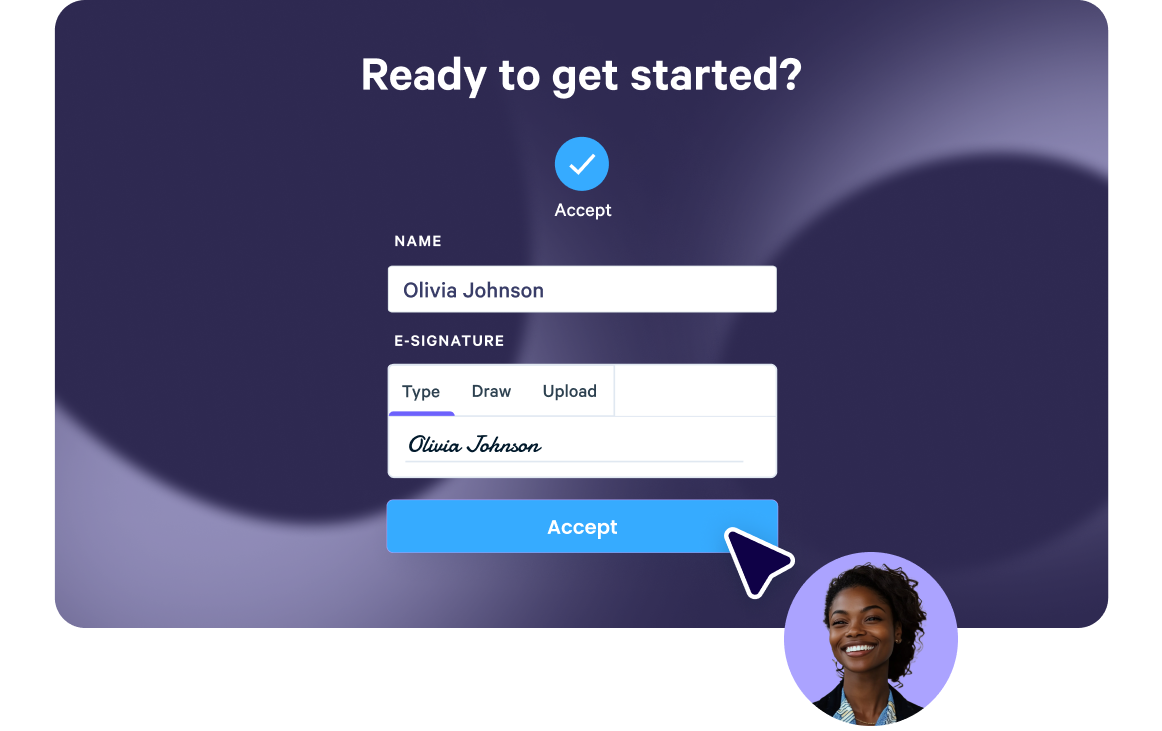
Built-in e-sign functionality
Combine stunning proposals, plain-text agreements, and secure e-signatures in one tool. Add print-friendly agreements alongside dynamic content and collect legally compliant e-signatures with ease. Track progress, capture multiple signatures, and close deals faster with Qwilr’s integrated e-sign functionality.
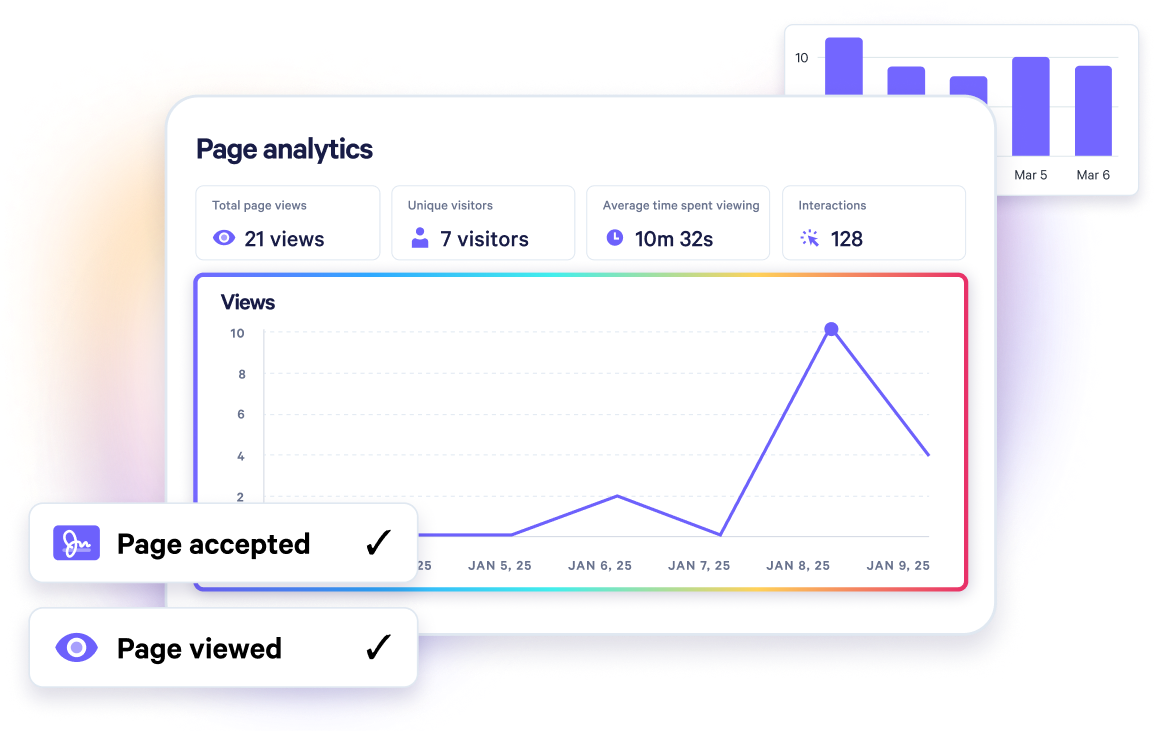
Real-time proposal analytics
Qwilr’s analytics provide full visibility into buyer engagement. Track when proposals are opened, signed, or shared, and get instant notifications for key buyer activities. See what buyers click on, how they engage, and prioritize follow-ups based on real-time insights—all designed to help close deals faster.
Templates for every use case
Explore templates for sales, marketing, customer success, sales enablement and more.
Explore quote templates
Frequently asked questions
Using Qwilr's Quote Template, you can streamline the process of sending a price quote to a client.
Simply customize the template with the necessary details, such as the project scope and estimated cost, and then send it directly to the client through the platform.
Alternatively, you can send the quote via email or through an invoicing tool, depending on your business's tech stack and process.
It's best to send a price quote to a customer as soon as possible.
This allows both parties to have a clear understanding of what will be involved in the project and what the estimated cost will be.
Providing a job quote up front can also help to avoid any confusion or misunderstandings down the line.
Yes, Qwilr's platform allows you to send quotes directly to clients.
Simply customize the Quote Template to suit your needs and then send it through the platform.
The client can then accept or decline the quote with just a few clicks, and even pay directly from your Qwilr page, streamlining the process and making it easier for both parties.