
Keep every sales proposal aligned with your sales playbook
Help reps create proposals from approved content, with controls over pricing, brand and terms. See which sections buyers spend time on to guide updates to your templates.
4.6 out of 5 from 933 G2 reviews
Top-rated by customers on G2





Where sales proposal content goes off track
Reps start from last quarter's file
The last deal gets duplicated and renamed. Pricing and positioning carry over from whenever the file was last updated, so a March version is still going out in June.
Buyers spot outdated pricing before you do
Old positioning, or a discount nobody approved. It surfaces weeks later on a call, by which point the same version has gone to several other buyers.
It’s hard to show which content helps sales
Win rate sits with the sales leader and pipeline sits with ops. Enablement's contribution is the hardest to put a number on.
Give reps approved content for every proposal
Approved blocks behind every proposal
Pricing tables, case studies and boilerplate are saved blocks you control. Templates lock the fixed parts and leave the rest open for reps to tailor.
Update the master template and the change lands on every proposal sent after it.
Explore the content library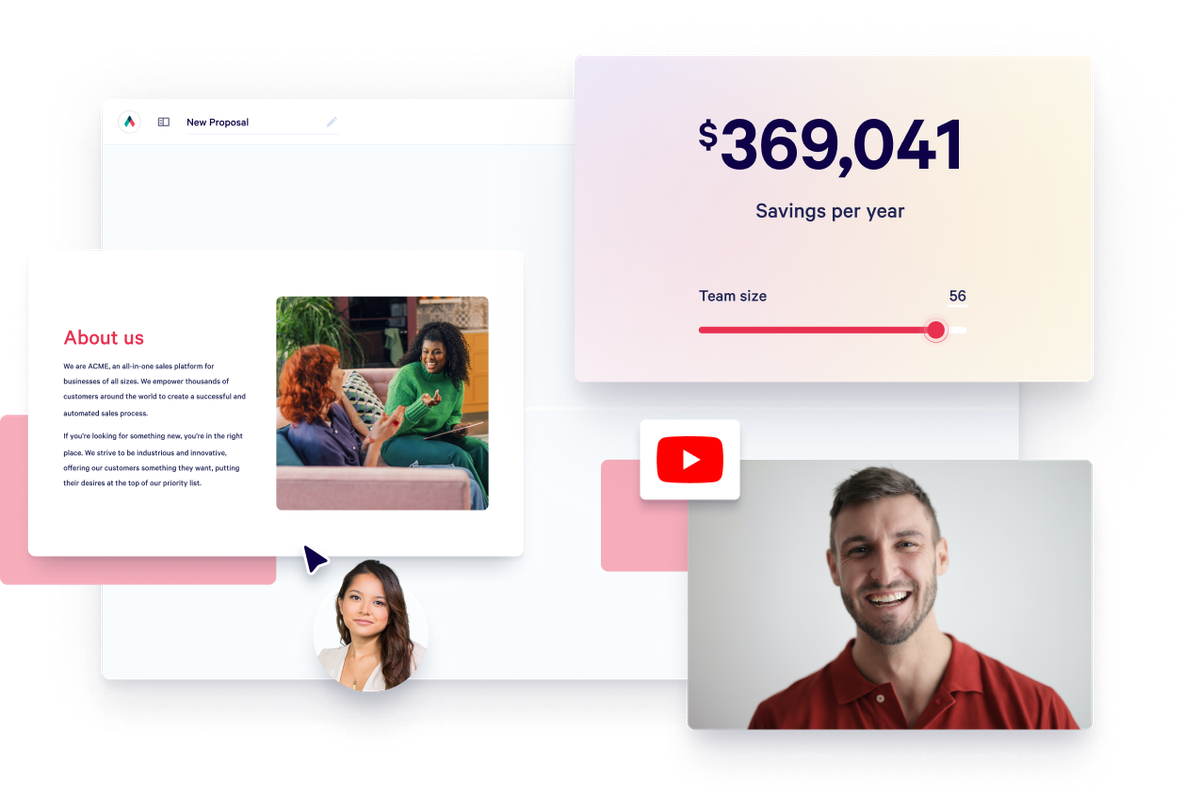
Help new reps create their first sales proposal
They don't have to learn to build one first. They answer questions about the deal and tailor the open sections: add the case study that fits this buyer, cut the section that doesn't.
Pricing and brand can't be edited, and a rep who opens a locked block sees that it's locked, so nobody has to ask what they're allowed to change.
Explore the editor
See which proposal sections buyers spend time on
Every send is tracked section by section, with identified viewers from Growth.
You see what buyers read and what they skip, so you know what to take out of the template. Engagement scores and the pipeline report do the same across sends.
Explore buyer insights
Let buyers review pricing and sign in one place
The quote sits in the page: line items, options and discount rules. The buyer signs in the same link, and QwilrPay takes a deposit or the first invoice through Stripe.
For most teams this is where a separate e-signature subscription comes off the bill.
Explore quotes and payments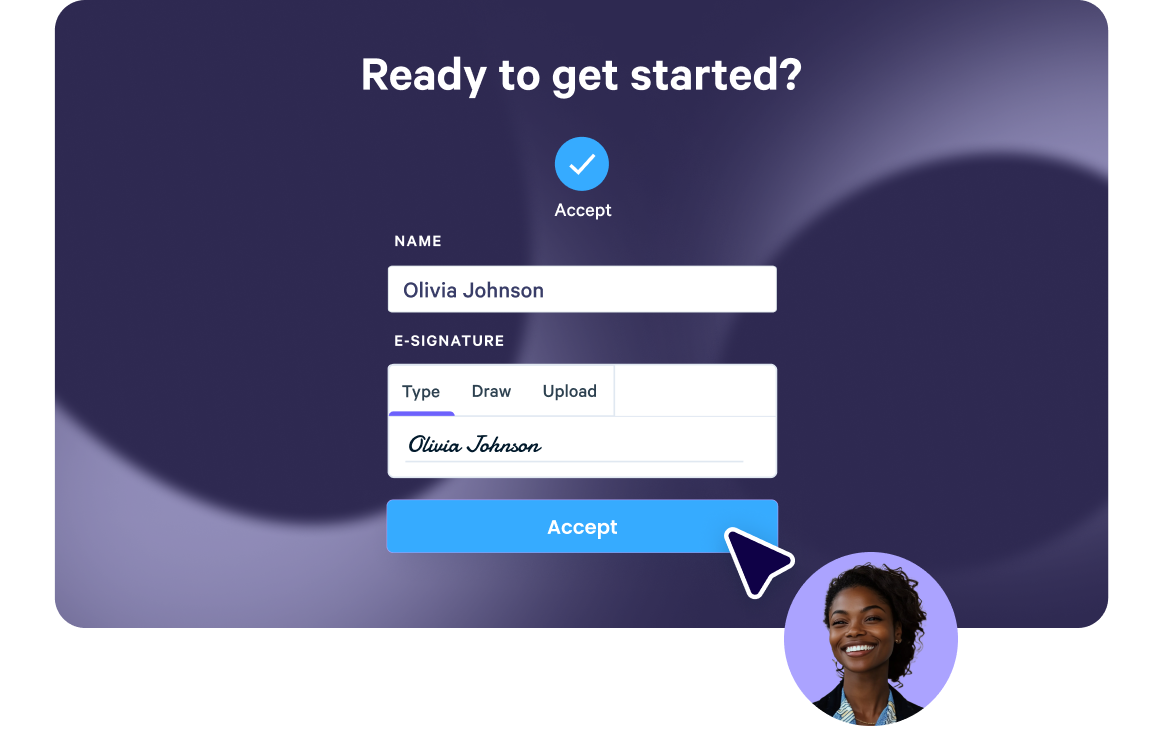
What reps can edit and what you control



“Sometimes, we’re not even able to get in the room. Our proposal has to be the representation of the salesperson and have all the information a customer needs because our product is complex.”



Qwilr has been a game-changer for us. Sales collateral that used to be a pain to build in Slides/Docs can now be spun up with Qwilr in minutes. Plus, we get real-time reporting to know when a prospect has re-engaged or is sharing our materials internally.



“We’re seeing deals close a lot faster while also adding a level of professionalism and enjoying powerful insights. None of these things we were getting through the use of PDFs and e-signature software alone.”
How ExtensisHR keeps proposals aligned with sales training
ExtensisHR sells a complex HR service, and the proposal often has to do the selling without a rep in the room. Every salesperson had their own version of the pitch deck, so version control was near impossible. A permission-based block library wired into Salesforce fixed that: reps fill in around nine fields and send an on-brand proposal in minutes rather than hours.
“We invest heavily in training our sales teams and giving them very specific tactics and procedures. The proposals are designed to match those and create a cohesive experience.”
Amy DeCicco, Senior Vice President, Marketing
Read the ExtensisHR story
Start with one approved proposal template
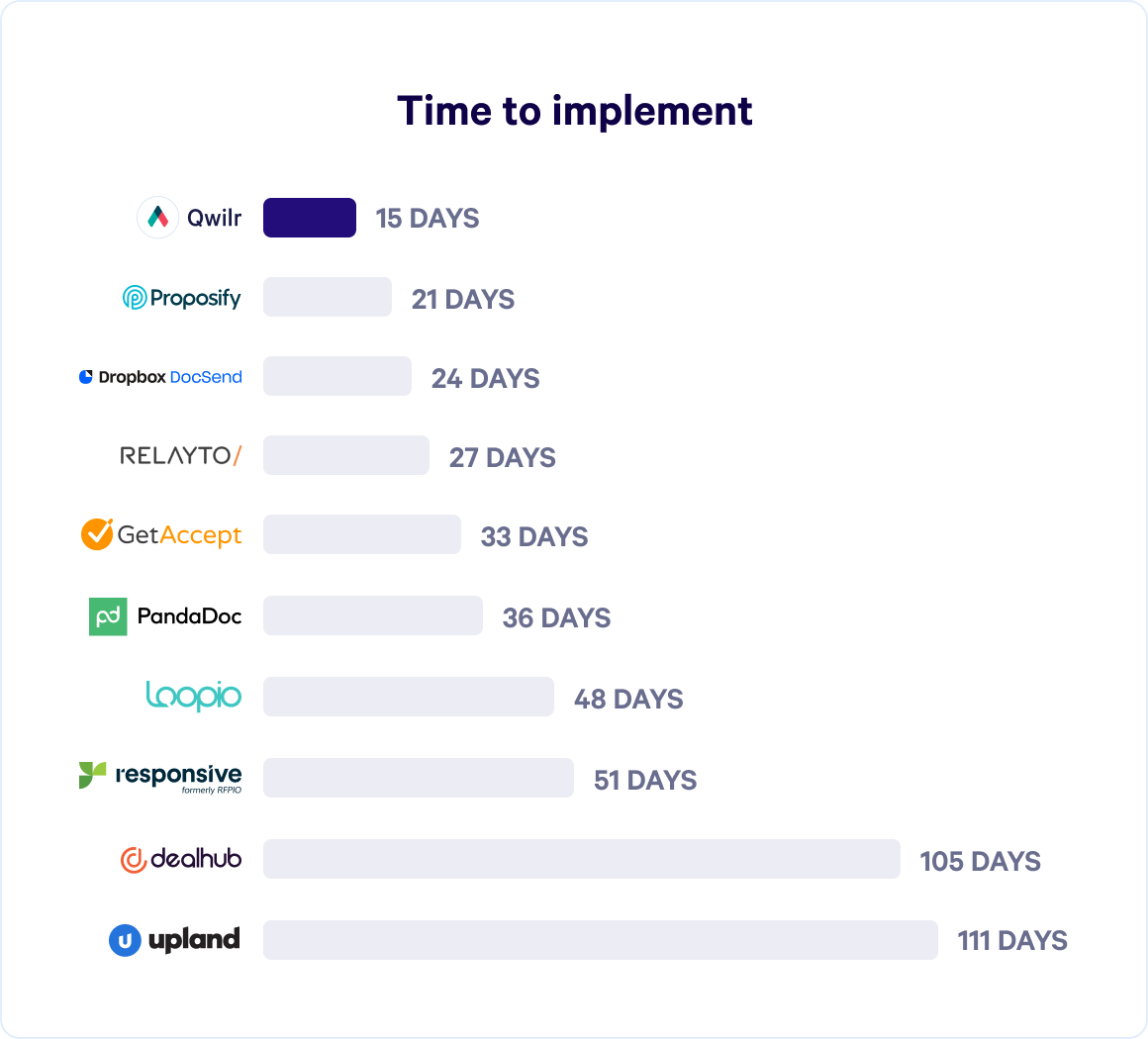
Heavy CPQ rollouts typically run three to six months and need a dedicated program manager. This is lighter: enablement owns the templates, and reps don't need a training program to send one.
A first template can go out in days. A full set takes longer. ShowingTime built theirs in three to four weeks alongside the Salesforce integration, with reps using the system inside a month.
Sales enablement templates for your team
Free, and built to be adapted into your own library.
Browse all templates
Sales enablement proposal questions
Scale, if locking is the reason you're buying.
Block-level permissions sit on the Scale plan. Anyone can add a locked block to a page, but only an admin can change its content, and a rep who opens one sees that it is locked.
Growth covers template-level settings and identified viewers, which is enough if consistency matters more to you than hard locks. Team-level permissions, which decide who can publish, are also on Scale, as is the Salesforce integration. HubSpot, Pipedrive and Zoho CRM connect from Starter.
Current figures are on the pricing page.
Partly. Here is what you get and what you don't.
On any single proposal you get read time section by section, so you can see what a buyer lingered on and what they skipped. Engagement scores and the pipeline report roll that up across sends, which tells you how proposals are performing as a set.
What it does not give you is a leaderboard of your content library ranking every block against every other. Read the engagement data next to rep feedback and deal outcomes, because time on a section can mean interest, complexity or confusion, and the number alone won't tell you which.
Make the template faster than the alternative. Reps answer a short form about the deal, the CRM fills what it can, and the proposal builds around the answers. That beats digging out last quarter's file.
ShowingTime built their templates in three to four weeks alongside the Salesforce integration, with reps using the system inside a month.
Two limits. Nothing stops a determined rep sending something else, though a proposal sent outside the template never appears in the engagement data. And adoption holds best where a sales manager owns the rollout, so it's worth reading the sales leader view alongside this one.