
Win more listings with a better presentation
The listing presentation, the fee schedule and the agency agreement in one branded link. Made for agencies, property groups and commercial teams working across offices.
4.6 out of 5 from 933 G2 reviews

Top-rated by customers on G2





Showcase your properties, stand out from the competition and efficiently grow your team
One presentation, whichever office sends it
Your market commentary, your fee schedule, your recent results and your team profiles live as saved blocks anyone in the group can drop into a presentation.
Only account admins create or edit templates, so a vendor in one office sees the same firm as a vendor in another.
Explore the content library
Let the vendor choose the campaign
Present marketing packages the vendor picks one of, or add-ons they select and deselect themselves. Photography, video, styling or a premium portal listing sit behind a checkbox and the total updates as they tick them.
Management fees run as recurring costs, monthly or annual, so an ongoing agreement and a campaign spend sit in the same document.
Explore quotes and pricing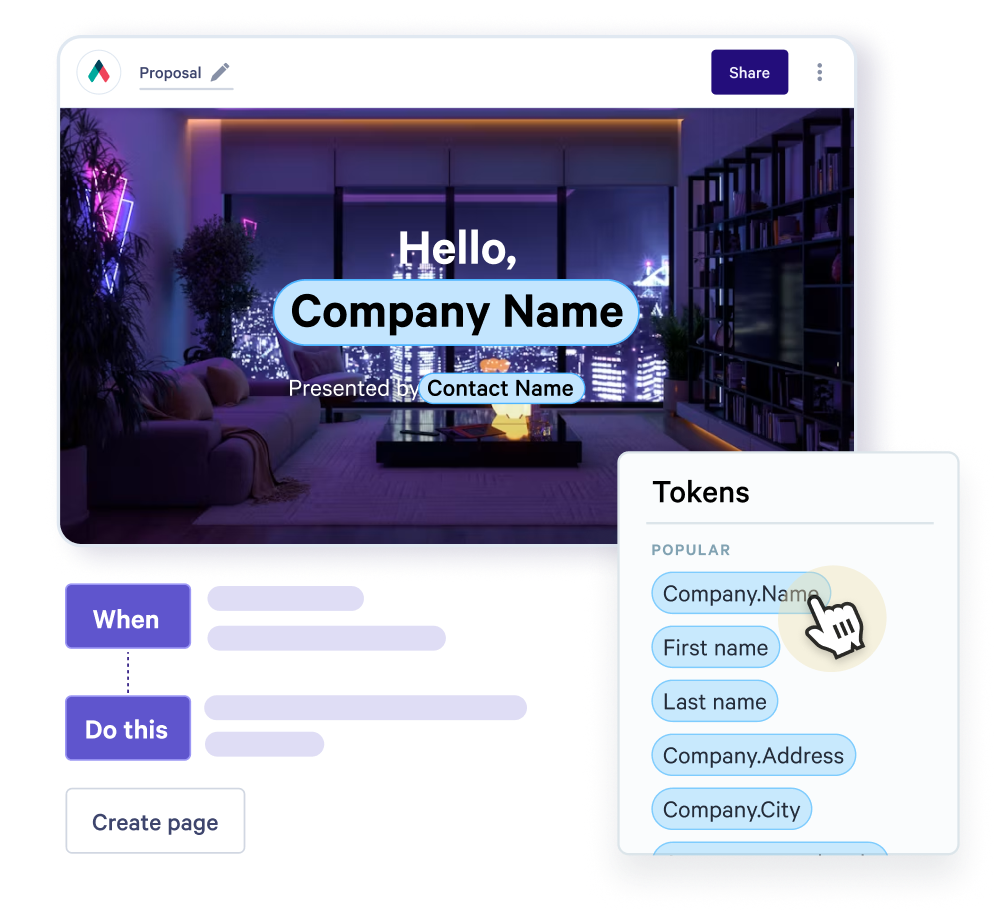
Know when the vendor opened it
A listing pitch often goes to two owners and sometimes an accountant before anyone replies. Qwilr emails you the first time it is opened, so you call while you are still front of mind.
Read time block by block shows whether they reached the fee schedule. An identification step, available from Growth, tells you which of the owners is doing the reading.
Explore buyer insights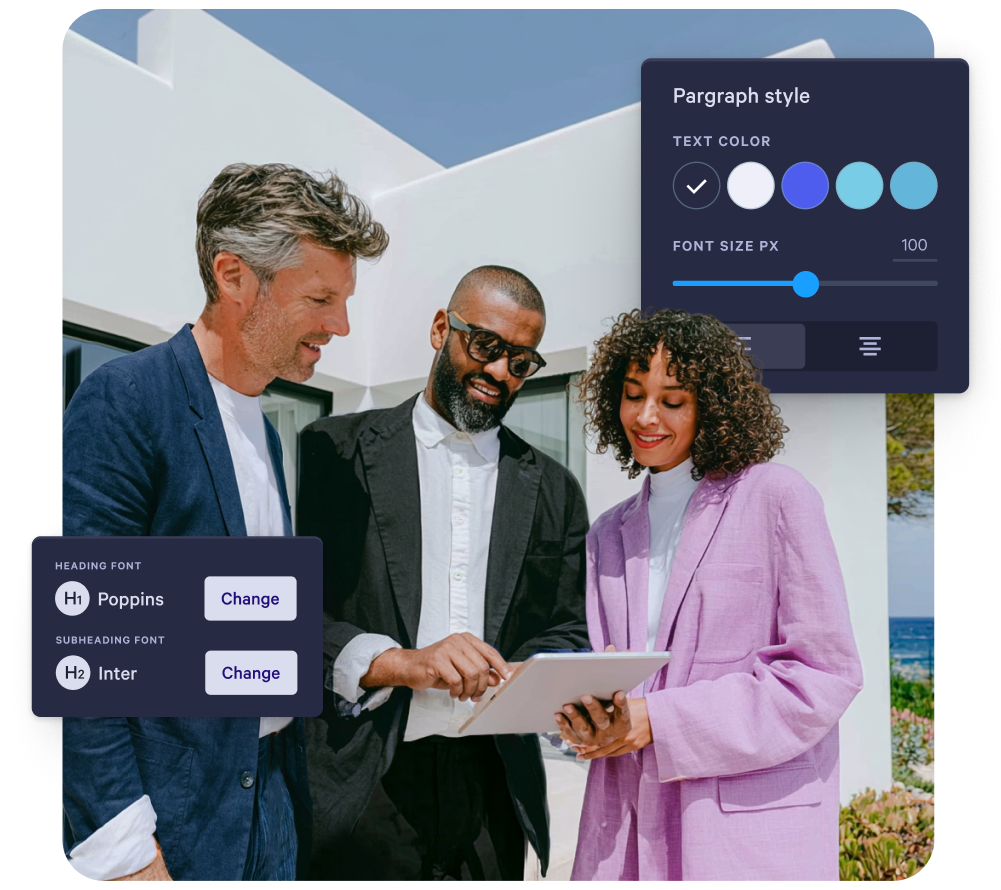
Signed, dated, on the file
The vendor signs the agency agreement in the same page, and QwilrPay takes the marketing payment through Stripe where the vendor contributes upfront.
On acceptance the page locks and cannot be reversed, deleted or edited. The audit trail carries the acceptor's name, email and company with the timestamp, and downloads as PDF or JSON for the property file.
Explore e-signature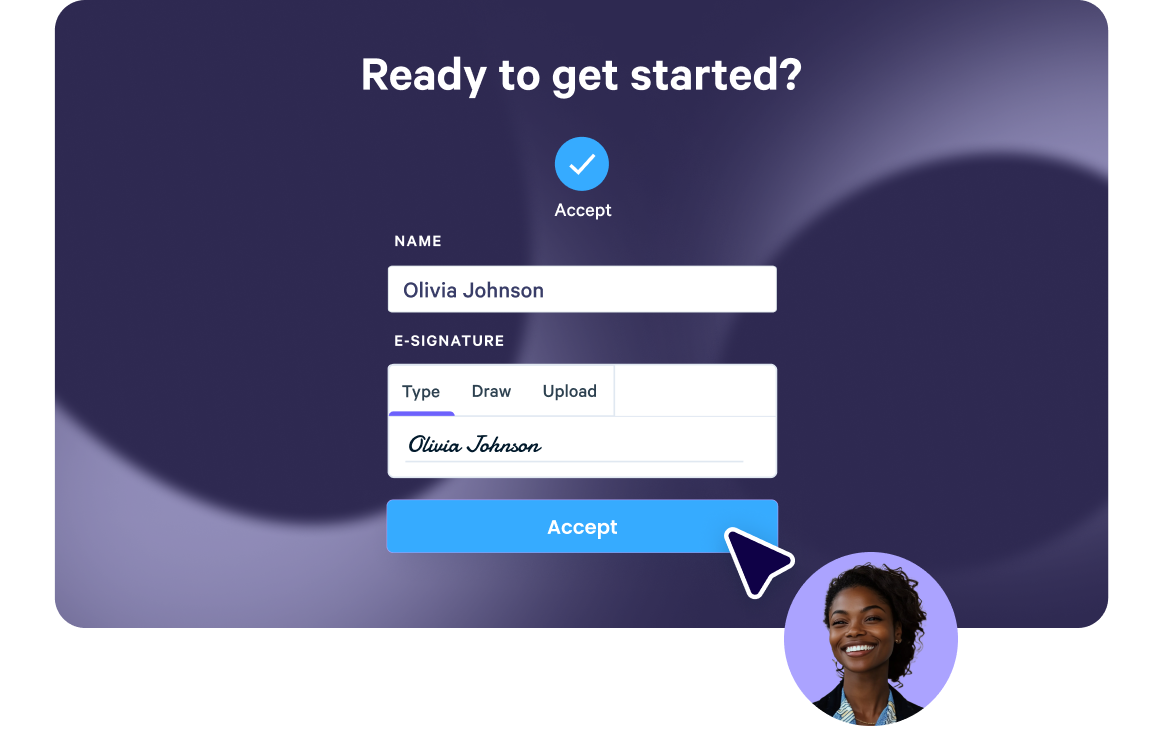
STAFFLINK doubled their close rate
STAFFLINK is an Australian business of 51 to 200 people, helping real estate agencies lift productivity and revenue.
Their close rate on website and SEO services went from 25 percent to 50 percent. Time spent with a proposal went from about a minute to between thirty and forty, and they dropped a follow-up call out of the process entirely.
“Qwilr allows us to display that in a fun and interesting way.”
Matt Anson, SEO Manager, STAFFLINK
Read the STAFFLINK story
Templates to start from
Free, and built to be adapted into your own.
Explore top performing templates and start impressing your buyers.
Browse all templates


Questions property teams ask
Proposal software for real estate produces the client-facing documents a property business sends before it is appointed: the listing presentation, the management proposal, the marketing schedule and the agency agreement, with signature inside the document rather than in a separate signing tool.
What separates it from a PDF or a printed pack is what happens after you send. You can see when the vendor opened it and how far they read, and acceptance produces a dated record of exactly what was agreed.
Commercial agencies, residential groups and property managers all send a version of the same thing.
Yes. Campaign options are presented as packages the vendor picks one of, and add-ons such as photography, video, styling or a premium portal listing sit behind a checkbox.
The total updates as they select, so the conversation about what the campaign costs happens in the document rather than on a call afterwards.
What they selected is what lands on the record, which is what settles any question later about what was agreed.
It is built for the business rather than the individual.
A single agent can use it, but the features that carry the cost are the ones a group needs: one template every office sends, terms only an admin can change, and a view across which pitches are live and which have gone quiet. Agencies tend to adopt it at the point where consistency across agents starts to matter more than any one pitch.
SAML SSO and block-level permissions sit on the Scale plan, which is where multi-office groups usually land.
The change goes out as its own page with its own signature and its own date.
A page carries one accept block, and once accepted it cannot be reversed, deleted or edited. The original agreement stays intact as a record and the variation sits alongside it rather than overwriting it.
That matters when a campaign is extended or a price is adjusted mid-listing and someone asks months later what was agreed, and when.